Get started with Google Cloud BigTable
This guide explains how to connect Harness Database DevOps to Google Cloud BigTable and manage schema changes using declarative YAML changelogs. You will create tables, column families, and garbage collection rules through a Liquibase-based extension purpose-built for BigTable's native gRPC API.
Before you begin
- Active Harness account with Database DevOps module enabled.
- A Google Cloud project with BigTable API enabled and at least one BigTable instance provisioned.
- Permissions to manage BigTable tables and column families (
bigtable.tables.create,bigtable.tables.update,bigtable.tables.delete). - Permissions to create connectors and Database DevOps pipelines in Harness. Go to RBAC in Harness to configure roles.
BigTable schema concepts
BigTable is a wide-column NoSQL database. Its schema model differs from relational databases:
- Table: The top-level container, identified by a table ID within a BigTable instance.
- Column family: A logical grouping of columns within a table. All columns within a family share the same garbage collection policy. You define column families at schema design time.
- Garbage collection (GC) rules: Policies that automatically delete stale cell versions from a column family. BigTable stores multiple timestamped versions of each cell value. GC rules control how many versions or how long versions are retained.
Unlike SQL databases, BigTable has no CREATE TABLE DDL. Harness Database DevOps handles this through custom Liquibase change types that call the BigTable Admin API directly via gRPC.
OIDC / Workload Identity
When the Harness runner operates on a GCP-managed environment (GKE, Cloud Run, Compute Engine), it can use Application Default Credentials via Workload Identity without a key file. No additional credential configuration is required when Workload Identity is properly configured for the runner's service account.
Connect to BigTable
The BigTable connection URL uses the following format:
| Scenario | URL |
|---|---|
| Default app profile | bigtable:my-gcp-project/my-instance |
| Named app profile | bigtable:my-gcp-project/my-instance?app-profile=analytics |
To create a BigTable connector in Harness:
-
In your Harness project, go to Connectors under Project Setup.
-
Select New Connector, then select Google Cloud BigTable under Cloud Providers.
-
Enter a Name for the connector (for example,
gcp-bigtable-prod). -
Enter the Connection URL in the format above.
-
Under Credentials, select OIDC / Workload Identity. The runner uses Application Default Credentials from the GCP-managed environment.
-
Select Save and Continue to test the connection.
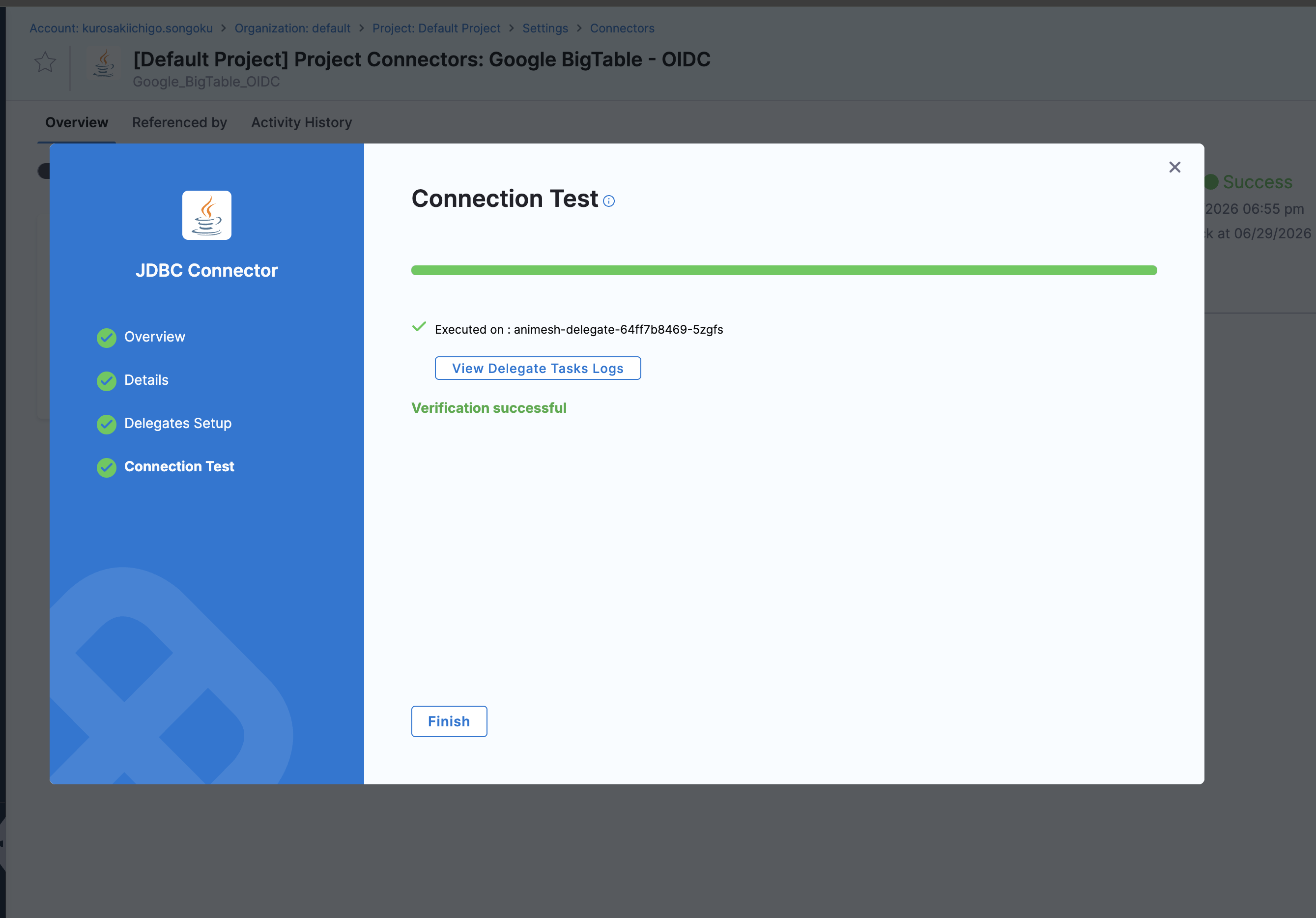
Supported change types
Harness Database DevOps supports thirteen change types for BigTable. Each maps directly to a BigTable Admin API operation.
createBigtableTable
Creates a new BigTable table. You can define one or more column families and their GC rules in the same changeset.
Properties:
| Property | Required | Description |
|---|---|---|
tableName | Yes | The ID of the table to create. |
columnFamilies | Yes | List of column family definitions. BigTable requires at least one column family per table. |
columnFamilies[].name | Yes | Column family name. |
columnFamilies[].gcRule | No | GC rule object. Supports maxNumVersions, maxAge, union, and intersection. Omit to store all versions indefinitely. |
Example - Create a table with two column families and a rollback:
databaseChangeLog:
  - changeSet:
      id: create-users-table
      author: harness
      changes:
        - createBigtableTable:
            tableName: users
            columnFamilies:
              - name: profile
                gcRule:
                  maxAge: 90d
              - name: activity
                gcRule:
                  maxNumVersions: 10
      rollback:
        - deleteBigtableTable:
            tableName: users
Example - Create a table with composite GC rules:
databaseChangeLog:
  - changeSet:
      id: create-metrics-table
      author: harness
      changes:
        - createBigtableTable:
            tableName: metrics
            columnFamilies:
              - name: raw
                gcRule:
                  intersection:
                    - gcRule:
                        maxAge: 7d
                    - gcRule:
                        maxNumVersions: 5
              - name: aggregated
                gcRule:
                  union:
                    - gcRule:
                        maxAge: 365d
                    - gcRule:
                        maxNumVersions: 1
              - name: labels
deleteBigtableTable
Deletes a BigTable table and all its data. This operation is irreversible. It is most commonly used as the rollback target for a createBigtableTable changeset.
Properties:
| Property | Required | Description |
|---|---|---|
tableName | Yes | The ID of the table to delete. |
Example - Delete a table:
databaseChangeLog:
  - changeSet:
      id: drop-legacy-table
      author: harness
      changes:
        - deleteBigtableTable:
            tableName: legacy_events
createColumnFamily
Adds a new column family to an existing table. Use this change type when you need to extend a table's schema after initial creation.
Properties:
| Property | Required | Description |
|---|---|---|
tableName | Yes | The ID of the existing table. |
familyName | Yes | The column family name to create. |
gcRule | No | GC rule object. Supports maxNumVersions, maxAge, union, and intersection. Omit to retain all versions indefinitely. |
Example - Add a column family with a max-age rule and a rollback:
databaseChangeLog:
  - changeSet:
      id: cf-maxage
      author: harness
      changes:
        - createColumnFamily:
            tableName: users
            familyName: sessions
            gcRule:
              maxAge: 7d
      rollback:
        - deleteColumnFamily:
            tableName: users
            familyName: sessions
Example - Add a column family with a version-based rule:
databaseChangeLog:
  - changeSet:
      id: cf-basic
      author: harness
      changes:
        - createColumnFamily:
            tableName: users
            familyName: profile
            gcRule:
              maxNumVersions: 3
Example - Add a column family with a union rule:
databaseChangeLog:
  - changeSet:
      id: cf-union
      author: harness
      changes:
        - createColumnFamily:
            tableName: orders
            familyName: audit_log
            gcRule:
              union:
                - gcRule:
                    maxNumVersions: 5
                - gcRule:
                    maxAge: 90d
Example - Add a column family with an intersection rule:
databaseChangeLog:
  - changeSet:
      id: cf-intersection
      author: harness
      changes:
        - createColumnFamily:
            tableName: products
            familyName: metadata
            gcRule:
              intersection:
                - gcRule:
                    maxNumVersions: 2
                - gcRule:
                    maxAge: 30d
Example - Add a column family with no GC rule:
databaseChangeLog:
  - changeSet:
      id: cf-no-gc-rule
      author: harness
      changes:
        - createColumnFamily:
            tableName: events
            familyName: raw_data
deleteColumnFamily
Removes a column family and all its data from a table. This operation is irreversible. Harness Database DevOps tracks this changeset in the DATABASECHANGELOG table so it does not re-execute on subsequent runs.
Properties:
| Property | Required | Description |
|---|---|---|
tableName | Yes | The ID of the table containing the column family. |
familyName | Yes | The name of the column family to delete. |
Run deleteColumnFamily in a separate changeset from createColumnFamily operations on the same table. This ensures Harness Database DevOps can track each operation independently and roll back selectively if needed.
Example - Remove a deprecated column family:
databaseChangeLog:
  - changeSet:
      id: 7
      author: harness
      changes:
        - deleteColumnFamily:
            tableName: users
            familyName: legacy_data
Example - Remove multiple column families in sequence:
databaseChangeLog:
  - changeSet:
      id: 8
      author: harness
      changes:
        - deleteColumnFamily:
            tableName: events
            familyName: raw_v1

  - changeSet:
      id: 9
      author: harness
      changes:
        - deleteColumnFamily:
            tableName: events
            familyName: raw_v2
modifyColumnFamilyGCRule
Updates the garbage collection rule on an existing column family. Use this change type to tighten or relax data retention policies without recreating the column family.
Properties:
| Property | Required | Description |
|---|---|---|
tableName | Yes | The ID of the table containing the column family. |
familyName | Yes | The name of the column family to modify. |
gcRule | Yes | The new GC rule object to apply. Supports maxNumVersions, maxAge, union, and intersection. |
Example - Reduce retention to one version per cell:
databaseChangeLog:
  - changeSet:
      id: tighten-profile-gc
      author: harness
      changes:
        - modifyColumnFamilyGCRule:
            tableName: users
            familyName: profile
            gcRule:
              maxNumVersions: 1
Example - Extend retention to 1 year:
databaseChangeLog:
  - changeSet:
      id: extend-raw-retention
      author: harness
      changes:
        - modifyColumnFamilyGCRule:
            tableName: metrics
            familyName: raw
            gcRule:
              maxAge: 365d
Example - Apply an intersection rule to reduce storage costs:
databaseChangeLog:
  - changeSet:
      id: tighten-events-gc
      author: harness
      changes:
        - modifyColumnFamilyGCRule:
            tableName: activity
            familyName: events
            gcRule:
              intersection:
                - gcRule:
                    maxAge: 30d
                - gcRule:
                    maxNumVersions: 3
dropBigTableRows
Deletes rows from a BigTable table that match a row key prefix or range. Use this change type to purge data as part of a schema migration, for example when retiring a row key scheme before switching to a new one.
Properties:
| Property | Required | Description |
|---|---|---|
tableName | Yes | The ID of the table to delete rows from. |
rowKeyPrefix | No | Delete all rows whose row key starts with this string. |
startRowKey | No | Delete rows with row keys greater than or equal to this value. Used together with endRowKey to define a range. |
endRowKey | No | Delete rows with row keys less than this value (exclusive). Used together with startRowKey. |
Use either rowKeyPrefix for prefix-based deletion or startRowKey/endRowKey for range-based deletion - not both in the same changeset.
Example - Delete all rows with a given prefix:
databaseChangeLog:
  - changeSet:
      id: drop-test-rows
      author: harness
      changes:
        - dropBigTableRows:
            tableName: users
            rowKeyPrefix: "test#"
Example - Delete rows in a key range:
databaseChangeLog:
  - changeSet:
      id: drop-archived-rows
      author: harness
      changes:
        - dropBigTableRows:
            tableName: events
            startRowKey: "2023-01-01"
            endRowKey: "2024-01-01"
modifyChangeStreamConfig
Enables or updates the change stream on a BigTable table. A change stream captures row mutations in real time and makes them available to consumers such as Dataflow pipelines. Use this change type to set the retention period for captured changes.
Properties:
| Property | Required | Description |
|---|---|---|
tableName | Yes | The ID of the table to configure the change stream on. |
changeStreamConfig.retentionPeriod | Yes | How long change stream data is retained. Accepts a duration string with a unit suffix: d (days), h (hours), m (minutes), s (seconds). Maximum is 7d. |
Example - Enable a change stream with 3-day retention:
databaseChangeLog:
  - changeSet:
      id: enable-change-stream
      author: harness
      changes:
        - modifyChangeStreamConfig:
            tableName: user_events
            changeStreamConfig:
              retentionPeriod: 3d
Example - Extend change stream retention:
databaseChangeLog:
  - changeSet:
      id: extend-change-stream-retention
      author: harness
      changes:
        - modifyChangeStreamConfig:
            tableName: user_events
            changeStreamConfig:
              retentionPeriod: 7d
createBigtableMaterializedView
Creates a materialized view on a BigTable table. A materialized view pre-computes and stores the results of a SQL query, enabling fast reads against aggregated or projected data without scanning the full table on every request.
Properties:
| Property | Required | Description |
|---|---|---|
name | Yes | A unique name for the materialized view. |
query | Yes | A SQL query string that defines the view's contents. |
deletionProtection | No | When true, prevents the view from being deleted. Defaults to false. |
Example - Create a materialized view with a rollback:
databaseChangeLog:
  - changeSet:
      id: create-activity-summary-view
      author: harness
      changes:
        - createBigtableMaterializedView:
            name: user_activity_summary
            query: >
              SELECT _key, profile['user_id'] AS user_id
              FROM user_events
              ORDER BY _key ASC
      rollback:
        - deleteBigtableMaterializedView:
            name: user_activity_summary
Example - Create a materialized view with deletion protection:
databaseChangeLog:
  - changeSet:
      id: create-protected-summary-view
      author: harness
      changes:
        - createBigtableMaterializedView:
            name: orders_summary
            query: >
              SELECT _key, audit_log['action'] AS action
              FROM orders
            deletionProtection: true
deleteBigtableMaterializedView
Removes a materialized view. This does not affect the underlying table or its data.
Properties:
| Property | Required | Description |
|---|---|---|
name | Yes | The name of the materialized view to delete. |
If deletionProtection is set to true on the view, use modifyBigtableMaterializedView to disable it before running deleteBigtableMaterializedView.
Example - Delete a materialized view:
databaseChangeLog:
  - changeSet:
      id: drop-activity-summary-view
      author: harness
      changes:
        - deleteBigtableMaterializedView:
            name: user_activity_summary
modifyBigtableMaterializedView
Updates an existing materialized view. Use this change type to replace the SQL query or toggle deletion protection.
Properties:
| Property | Required | Description |
|---|---|---|
name | Yes | The name of the materialized view to modify. |
query | Yes | The SQL query string that defines the view. |
deletionProtection | No | Set to true to enable or false to disable deletion protection. |
Example - Update the query on an existing materialized view:
databaseChangeLog:
  - changeSet:
      id: extend-activity-summary-view
      author: harness
      changes:
        - modifyBigtableMaterializedView:
            name: user_activity_summary
            query: >
              SELECT _key, profile['user_id'] AS user_id,
              activity['event_type'] AS event_type
              FROM user_events
              ORDER BY _key ASC
Example - Disable deletion protection before removing a materialized view:
databaseChangeLog:
  - changeSet:
      id: unprotect-orders-summary
      author: harness
      changes:
        - modifyBigtableMaterializedView:
            name: orders_summary
            query: >
              SELECT _key, audit_log['action'] AS action
              FROM orders
            deletionProtection: false

  - changeSet:
      id: drop-orders-summary
      author: harness
      changes:
        - deleteBigtableMaterializedView:
            name: orders_summary
createBigtableLogicalView
Creates a logical view over a BigTable table. A logical view defines a SQL query that selects specific columns visible to applications, enabling column-level access control and query isolation without duplicating data.
Properties:
| Property | Required | Description |
|---|---|---|
name | Yes | A unique name for the logical view. |
query | Yes | A SQL query string that defines the view. |
deletionProtection | No | When true, prevents the view from being deleted. Defaults to false. |
Example - Create a view over selected columns and a rollback:
databaseChangeLog:
  - changeSet:
      id: create-activity-view
      author: harness
      changes:
        - createBigtableLogicalView:
            name: recent_activity
            query: >
              SELECT _key, activity['event_type'] AS event_type
              FROM user_events
      rollback:
        - deleteBigtableLogicalView:
            name: recent_activity
Example - Create a view with deletion protection enabled:
databaseChangeLog:
  - changeSet:
      id: create-audit-view
      author: harness
      changes:
        - createBigtableLogicalView:
            name: orders-audit-view
            query: >
              SELECT _key, audit_log['action'] AS action
              FROM orders
            deletionProtection: true
deleteBigtableLogicalView
Removes a logical view. This does not affect the underlying table or its data.
Properties:
| Property | Required | Description |
|---|---|---|
name | Yes | The name of the logical view to delete. |
If deletionProtection is set to true on the view, use modifyBigtableLogicalView to disable it before running deleteBigtableLogicalView.
Example - Delete a logical view:
databaseChangeLog:
  - changeSet:
      id: drop-activity-view
      author: harness
      changes:
        - deleteBigtableLogicalView:
            name: recent_activity
modifyBigtableLogicalView
Updates an existing logical view. Use this change type to replace the SQL query or toggle deletion protection.
Properties:
| Property | Required | Description |
|---|---|---|
name | Yes | The name of the logical view to modify. |
query | Yes | The SQL query string that defines the view. |
deletionProtection | No | Set to true to enable or false to disable deletion protection. |
Example - Update the query on an existing view:
databaseChangeLog:
  - changeSet:
      id: extend-activity-view
      author: harness
      changes:
        - modifyBigtableLogicalView:
            name: recent_activity
            query: >
              SELECT _key, activity['event_type'] AS event_type,
              activity['timestamp'] AS timestamp
              FROM user_events
Example - Disable deletion protection before removing a view:
databaseChangeLog:
  - changeSet:
      id: unprotect-audit-view
      author: harness
      changes:
        - modifyBigtableLogicalView:
            name: orders-audit-view
            query: >
              SELECT _key, audit_log['action'] AS action
              FROM orders
            deletionProtection: false

  - changeSet:
      id: drop-audit-view
      author: harness
      changes:
        - deleteBigtableLogicalView:
            name: orders-audit-view
Create a changelog file
Create a YAML changelog file in your repository. A single changelog can contain multiple changesets targeting the same or different tables.
Example - Full schema setup for a new instance:
databaseChangeLog:
  - changeSet:
      id: create-users
      author: platform-team
      changes:
        - createBigtableTable:
            tableName: users
            columnFamilies:
              - name: profile
                gcRule:
                  maxAge: 90d
              - name: activity
                gcRule:
                  maxNumVersions: 20
              - name: preferences
                gcRule:
                  maxAge: 180d

  - changeSet:
      id: create-session-events
      author: harness
      changes:
        - createBigtableTable:
            tableName: session_events
            columnFamilies:
              - name: events
                gcRule:
                  intersection:
                    - gcRule:
                        maxAge: 30d
                    - gcRule:
                        maxNumVersions: 5
              - name: metadata
                gcRule:
                  maxNumVersions: 1

  - changeSet:
      id: create-feature-flags
      author: platform-team
      changes:
        - createBigtableTable:
            tableName: feature_flags
            columnFamilies:
              - name: flags