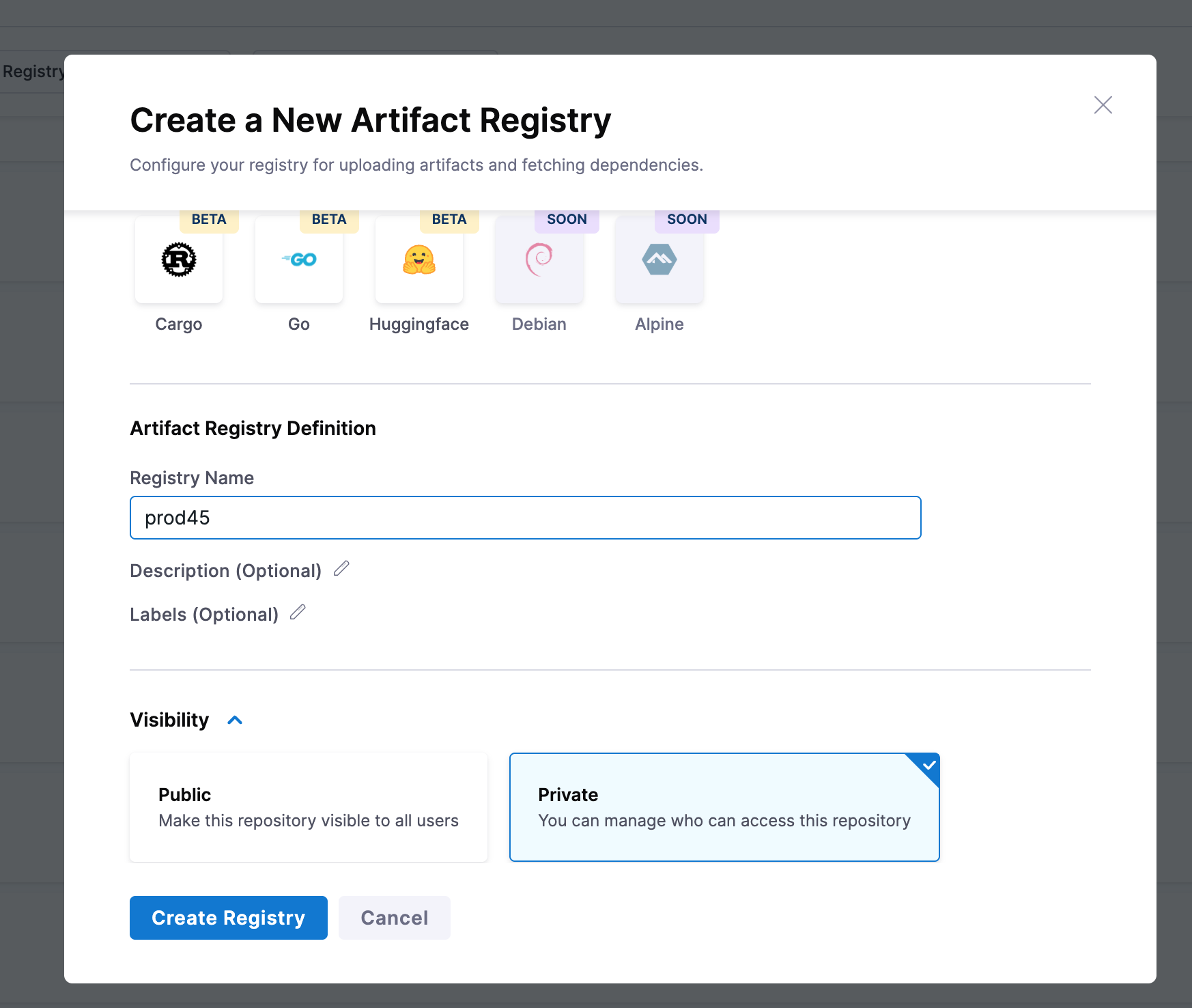
Create Registry form
This registry name must start with a letter and can only contain lowercase alphanumerics, _, . and -
Public registries allow anyone to view repository contents and pull images. Private registries restrict both visibility and image pulls to users or service accounts with the required permissions or tokens.
FEATURE FLAG REQUIREMENT
Public registry visibility is gated by the PL_ALLOW_TO_SET_PUBLIC_ACCESS feature flag. The same flag controls both creating a new public registry and switching an existing registry's visibility from Private to Public. If the Public option is missing on the Create Registry form (or on the visibility control of an existing registry), the flag is not enabled for your account.
To enable public registry visibility:
PL_ALLOW_TO_SET_PUBLIC_ACCESS feature flag for your account.Both steps are required. Go to Change registry visibility to switch an existing registry between Private and Public after the flag is enabled.
Create Registry form