> For the complete documentation index, see [llms.txt](https://developer.harness.io/llms.txt). Markdown versions of documentation pages are available by appending `.md` to page URLs; this page is available as [Markdown](https://developer.harness.io/code-repository/2.0/use-harness-code/pull-requests/change-target-branch.md).
# Change target branch
Changing the Target Branch of an Open Pull Request
Harness Code supports updating the target branch of an open pull request.
To change the target branch:
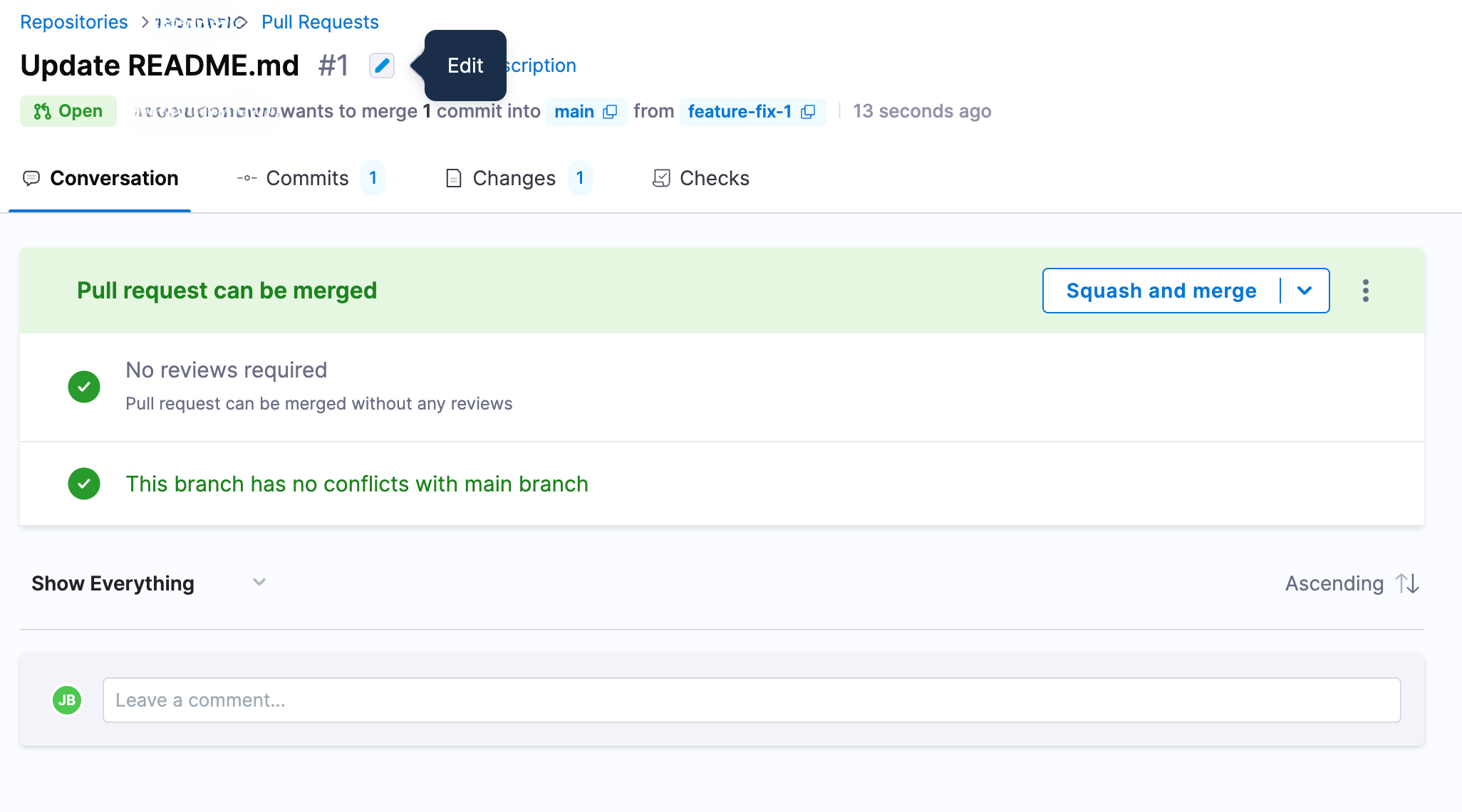
1. **Click the Edit Icon**
* In the pull request view, click the edit icon next to the PR title (the same icon used to edit the PR title).
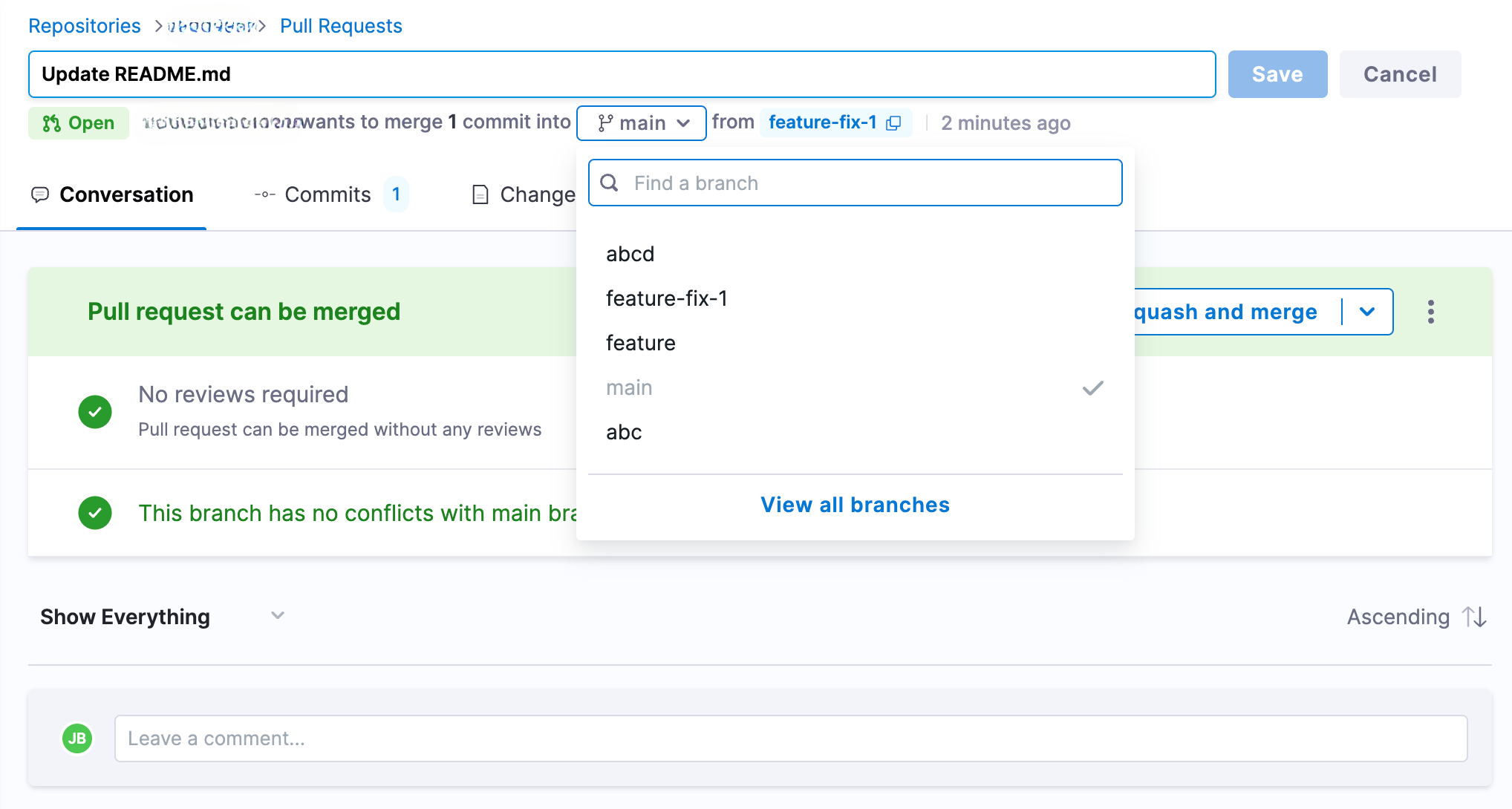
2. **Select the New Target Branch**
* A dropdown appears with available branches. Select the branch you want to set as the new target.
3. **Save the Changes**
* Click the **Save** button to update the target branch for the pull request.
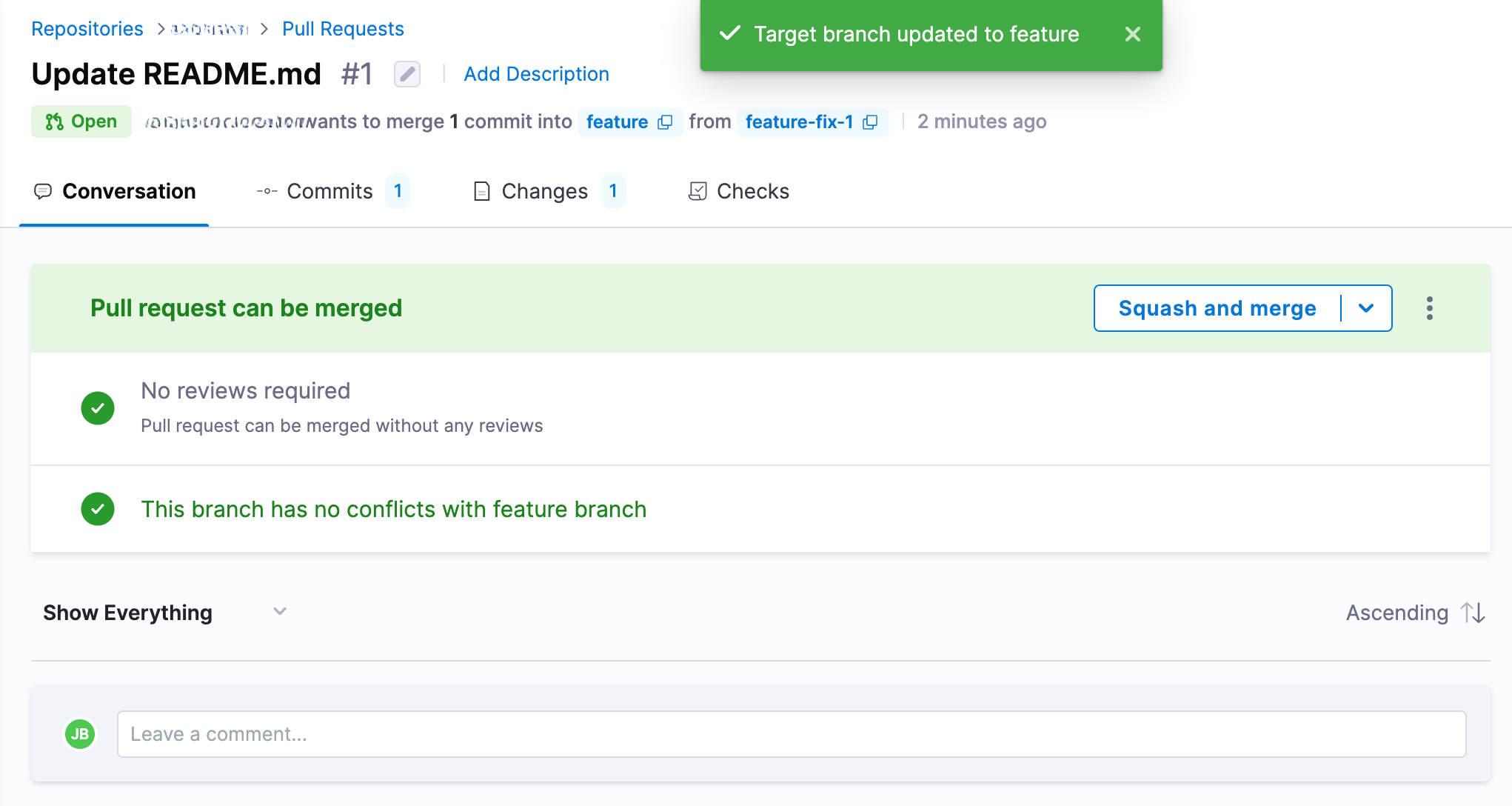
Once saved, the pull request will now target the newly selected branch.
{% @harness-feedback/feedback module="code-repository" pagePath="code-repository/use-harness-code/pull-requests/change-target-branch" %}