experiment-template
Experiment Templates allow you to create reusable experiment templates that can be shared and used across multiple projects.
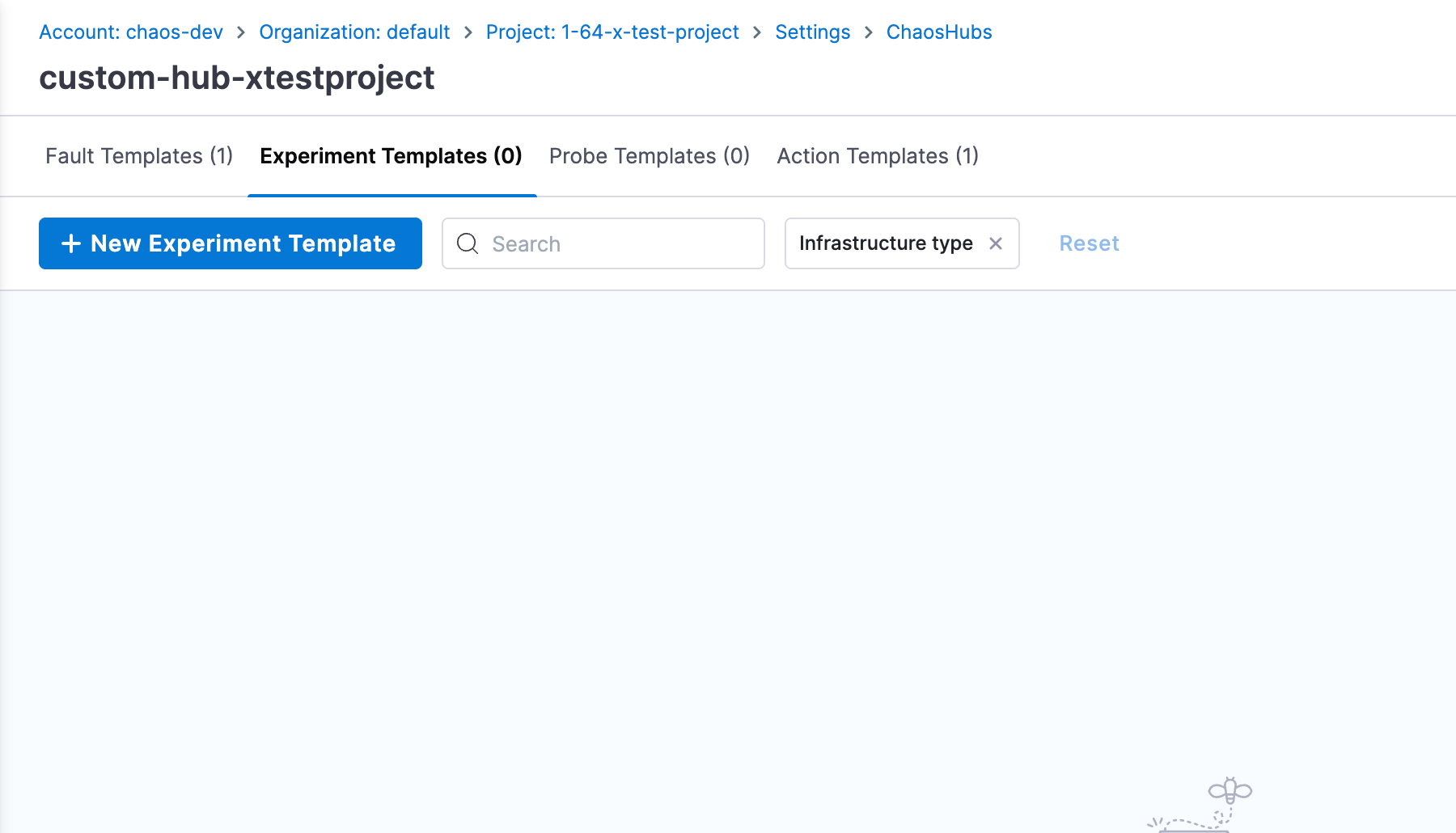
Creating Experiment Templates
-
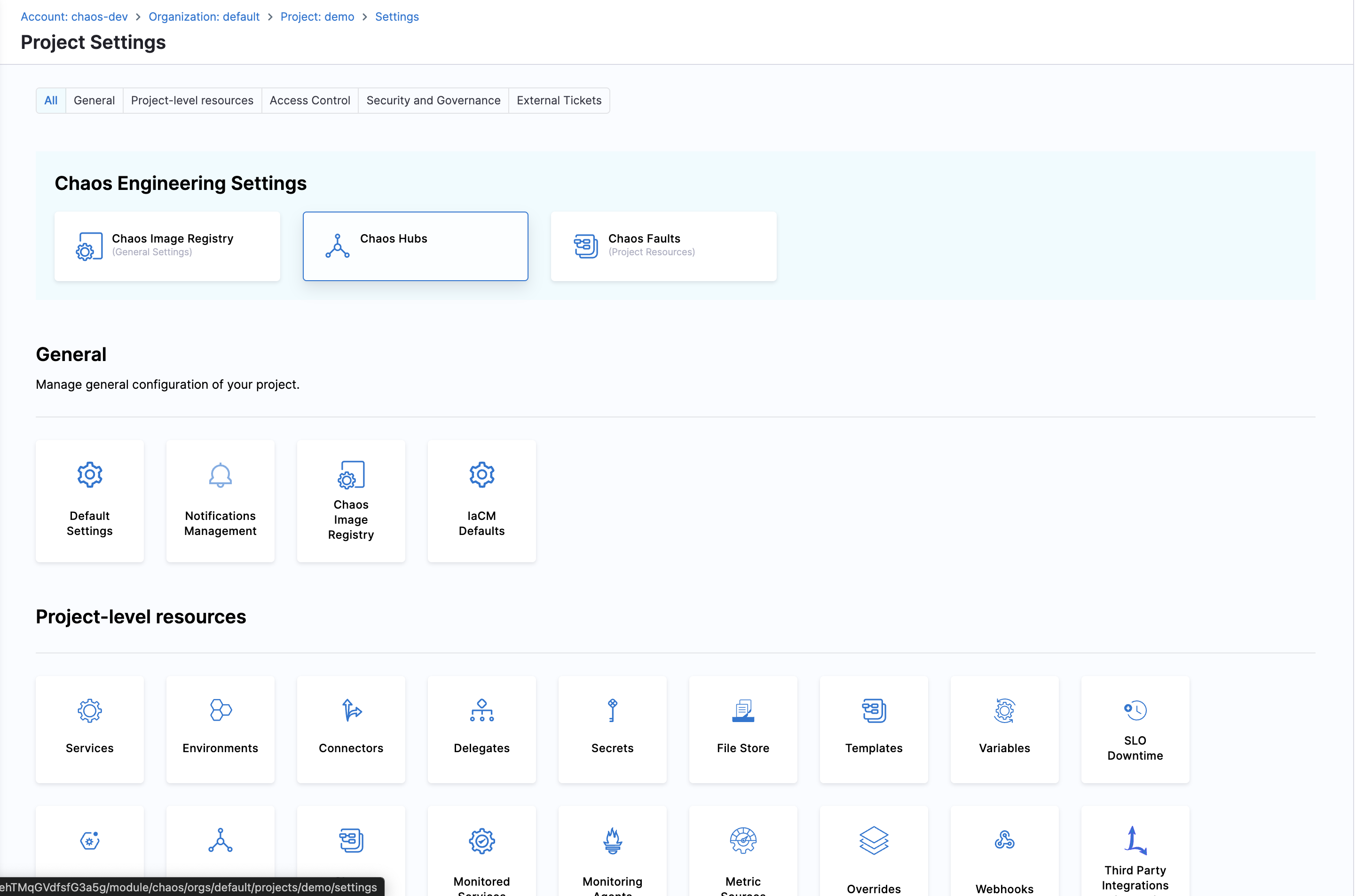
Navigate to ChaosHubs in your Project Settings
-
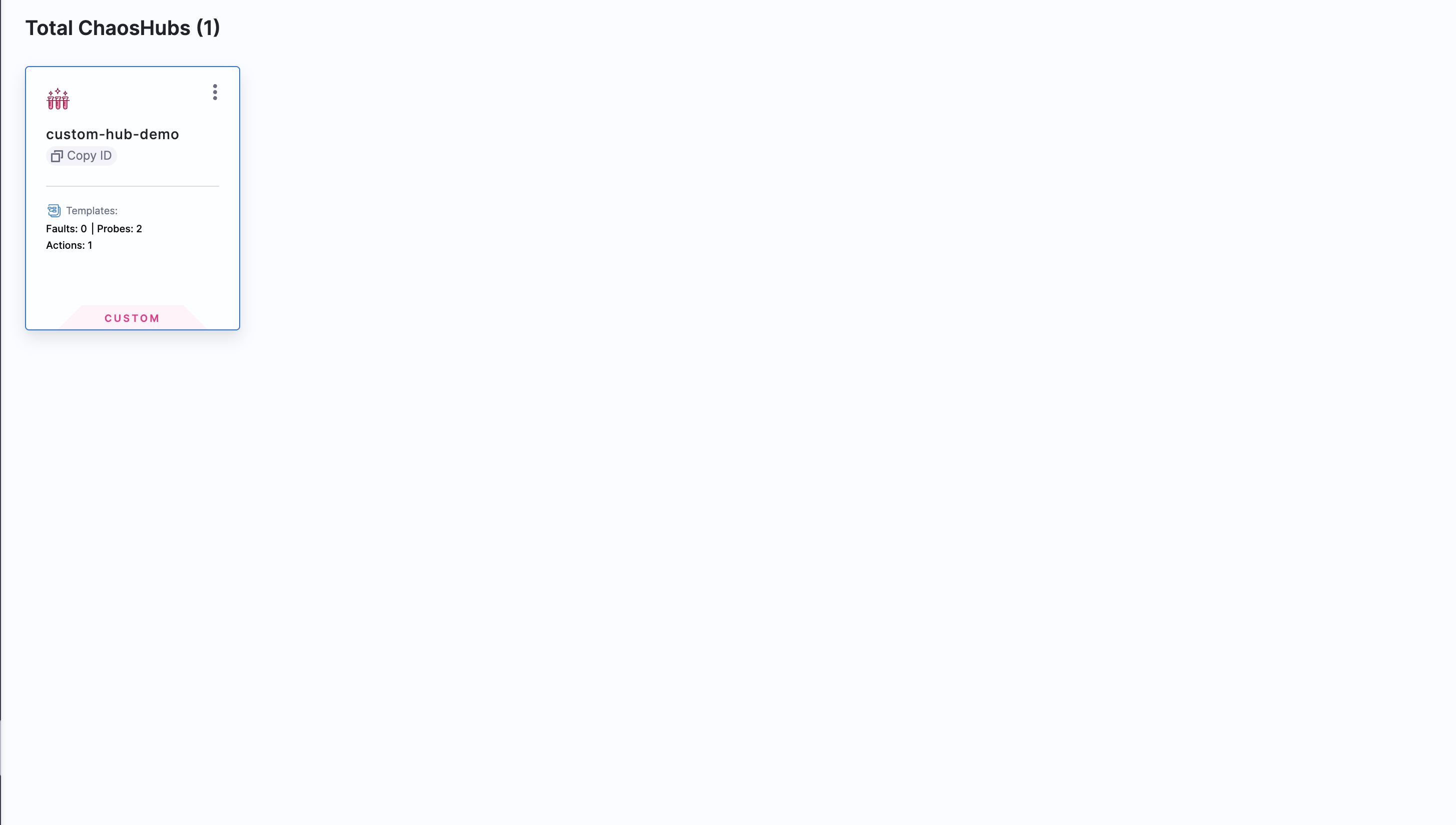
Choose the ChaosHub you want to create Experiment template in.
-
Navigate to Experiment Templates and click on New Experiment Template and start creating the template.
Using Experiment Templates
You can use experiment templates in two ways:
Option 1: From ChaosHub
-
Go back to the ChaosHub you created the template in.
-
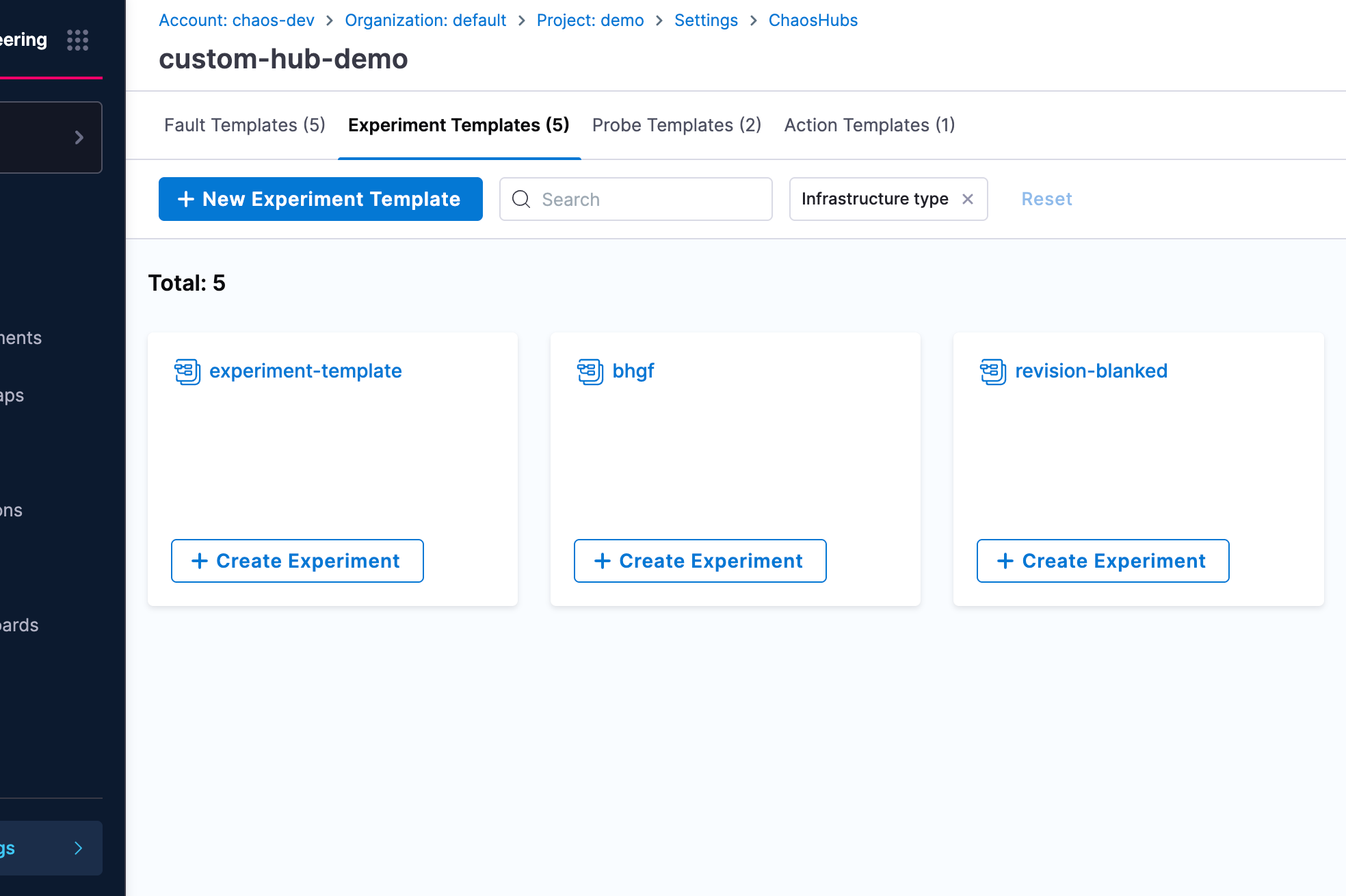
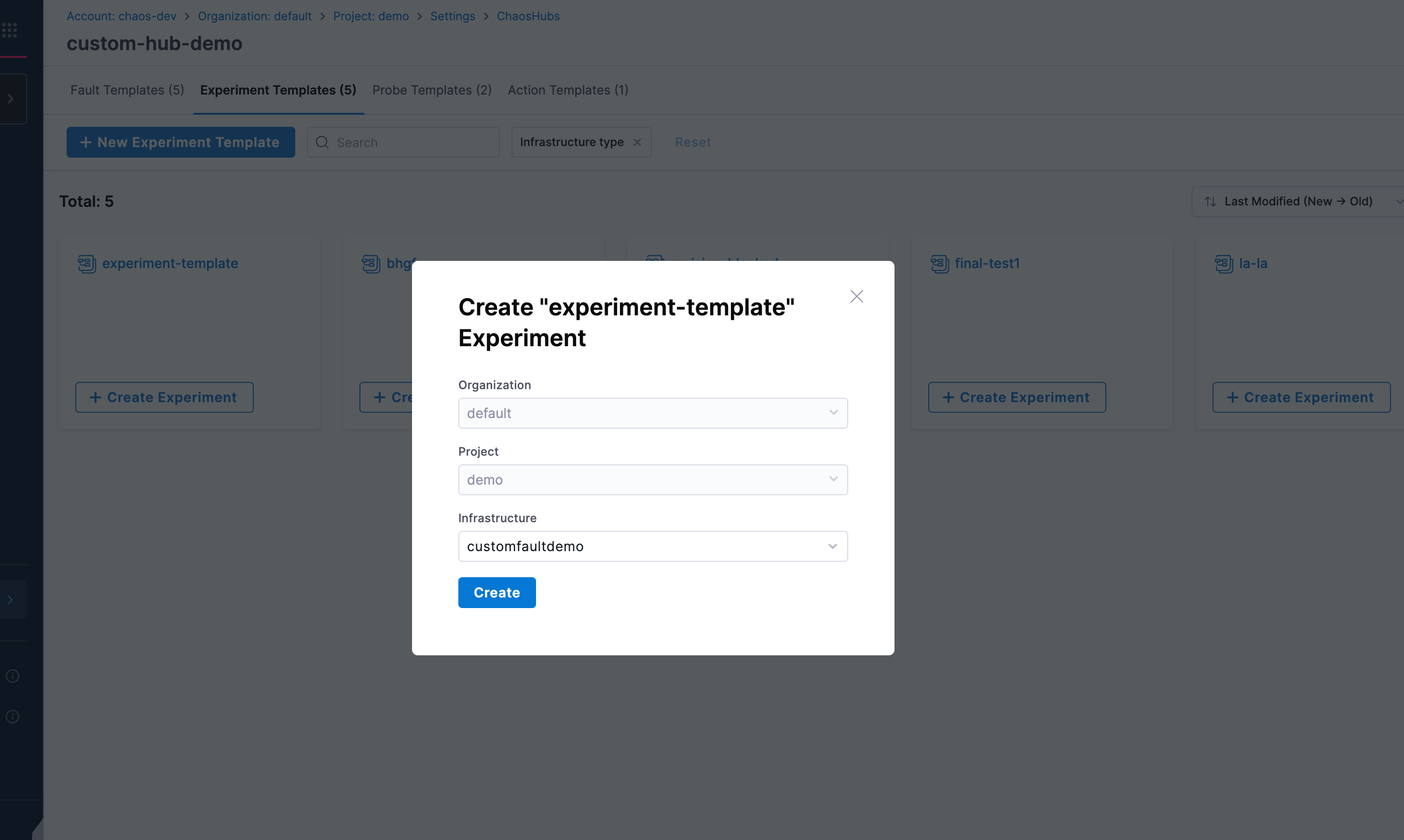
Choose the Experiment Template you created and click Create Experiment.
-
Select your Infrastructure, in the next screen and click Create.
-
That's it. Now, you can start building your experiment using the template you created.
Option 2: From Experiments Page
-
Navigate to Chaos Experiments page in your project.
-
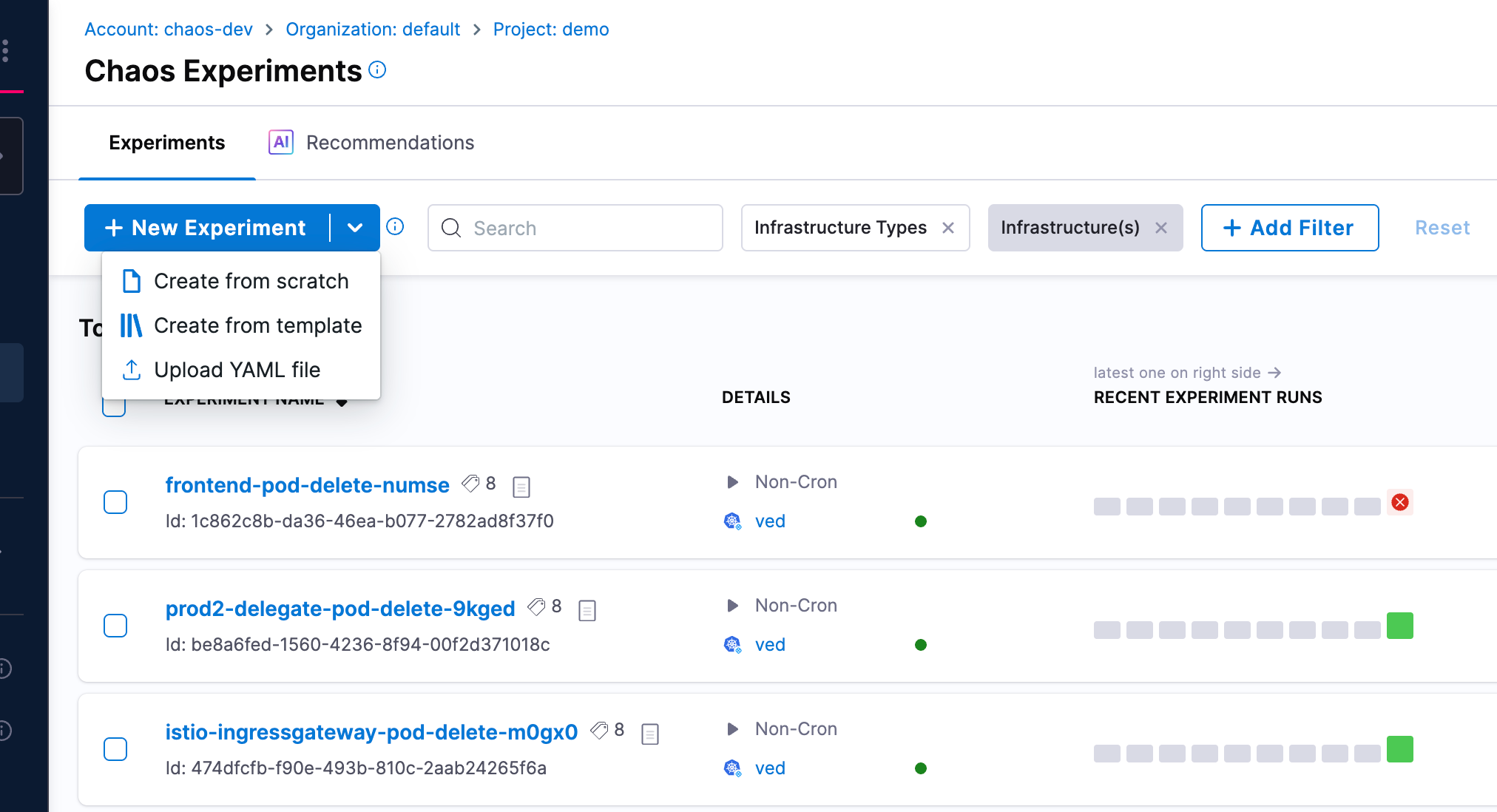
Click New Experiment and select Create from template option.
-
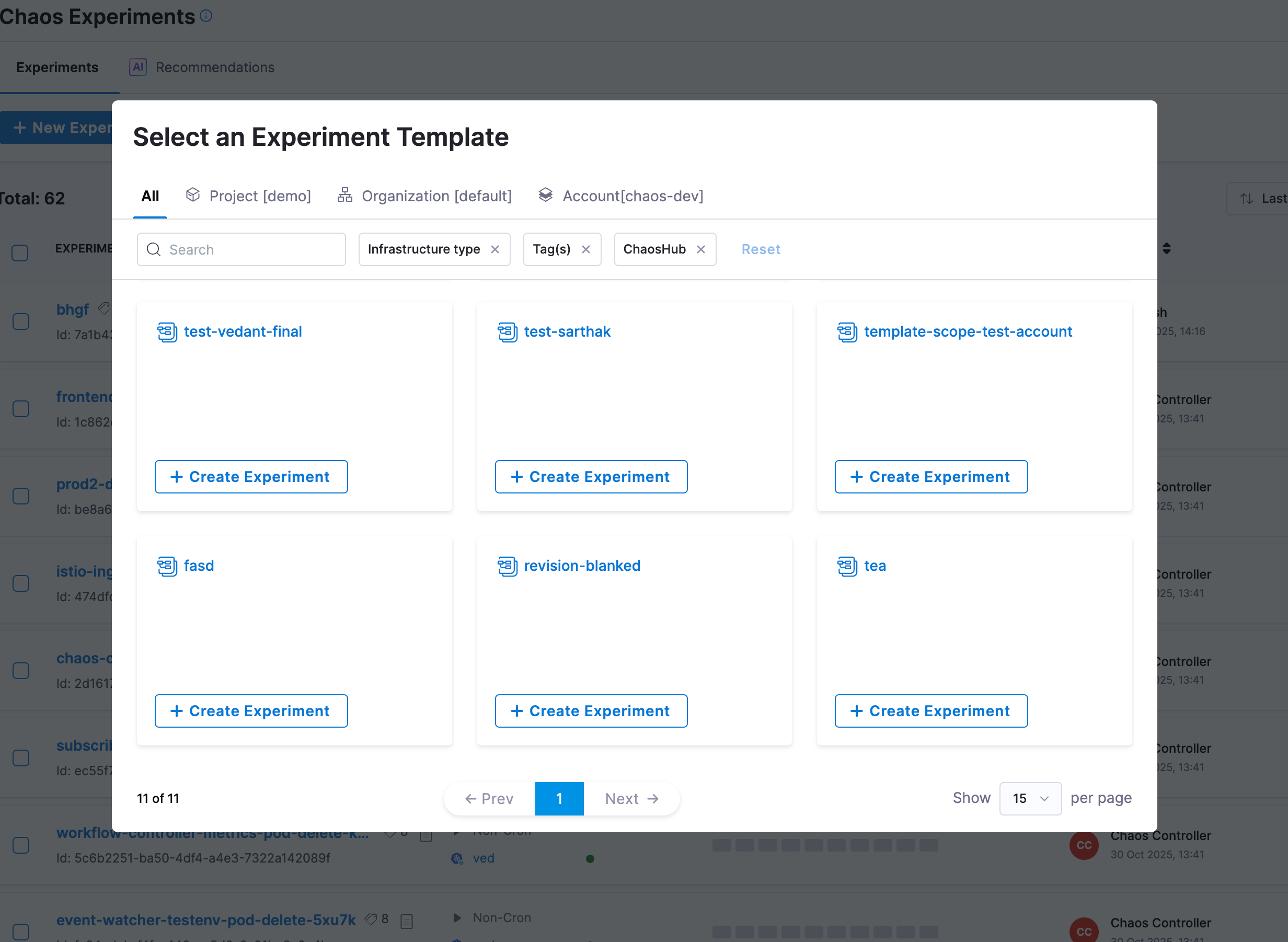
In the Select an Experiment Template modal, browse through available templates. You can filter templates by scope using the tabs (All, Project, Organization, Account) and apply additional filters like Infrastructure type, Tag(s), or ChaosHub.
-
Select the experiment template you want to use and click Create Experiment.
-
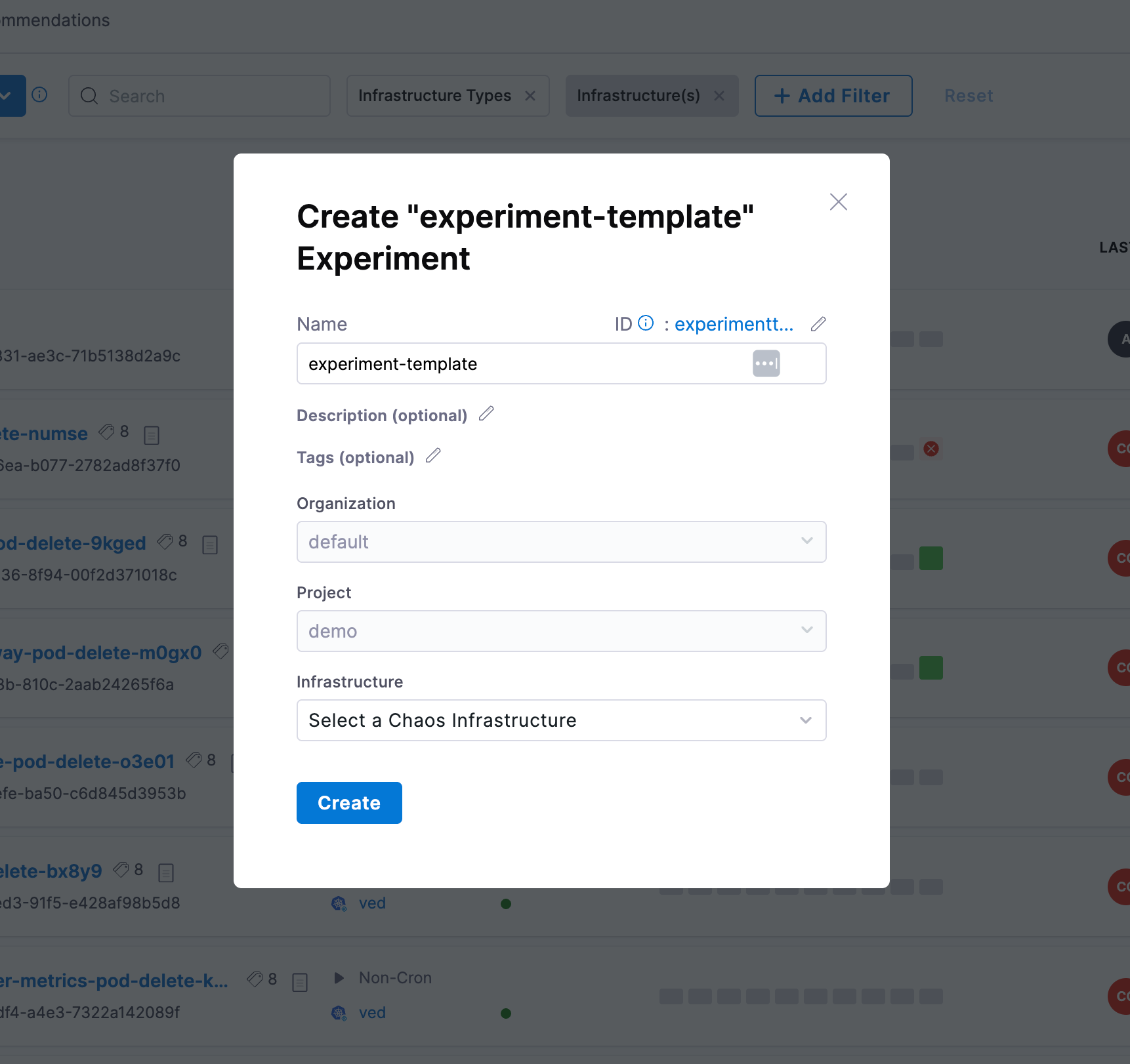
In the creation dialog, provide the experiment details:
- Name: Enter a name for your experiment
- Description (optional): Add a description
- Tags (optional): Add tags for organization
- Organization and Project: Select the appropriate values
- Infrastructure: Select a Chaos Infrastructure
-
Click Create to create the experiment from the template.