anthropic-quickstart
Connecting Anthropic brings your Claude spend into Harness Cloud & AI Cost Management alongside your cloud costs. The connector uses an Admin API key to pull usage and cost data from your Anthropic account. You can analyze AI spend in Cost Explorer, attribute it with Views and Cost Categories, and govern it with budgets and anomaly detection, the same way you manage cloud costs.
Before You Begin
Anthropic Admin API key: An Admin key with read-only access from your Anthropic account. The key lets Harness ingest billing and usage data. Go to the Anthropic Admin API documentation to create one.
Set Up the Anthropic Connector
To connect Anthropic, go to Cloud & AI Cost Management > Account Settings > AI Providers and click AI Provider, and then select Anthropic.
Step 1: Name the Connector
- On the Overview panel, enter a Name for the connector.
- Optionally, add a Description and Tags to organize and filter connectors.
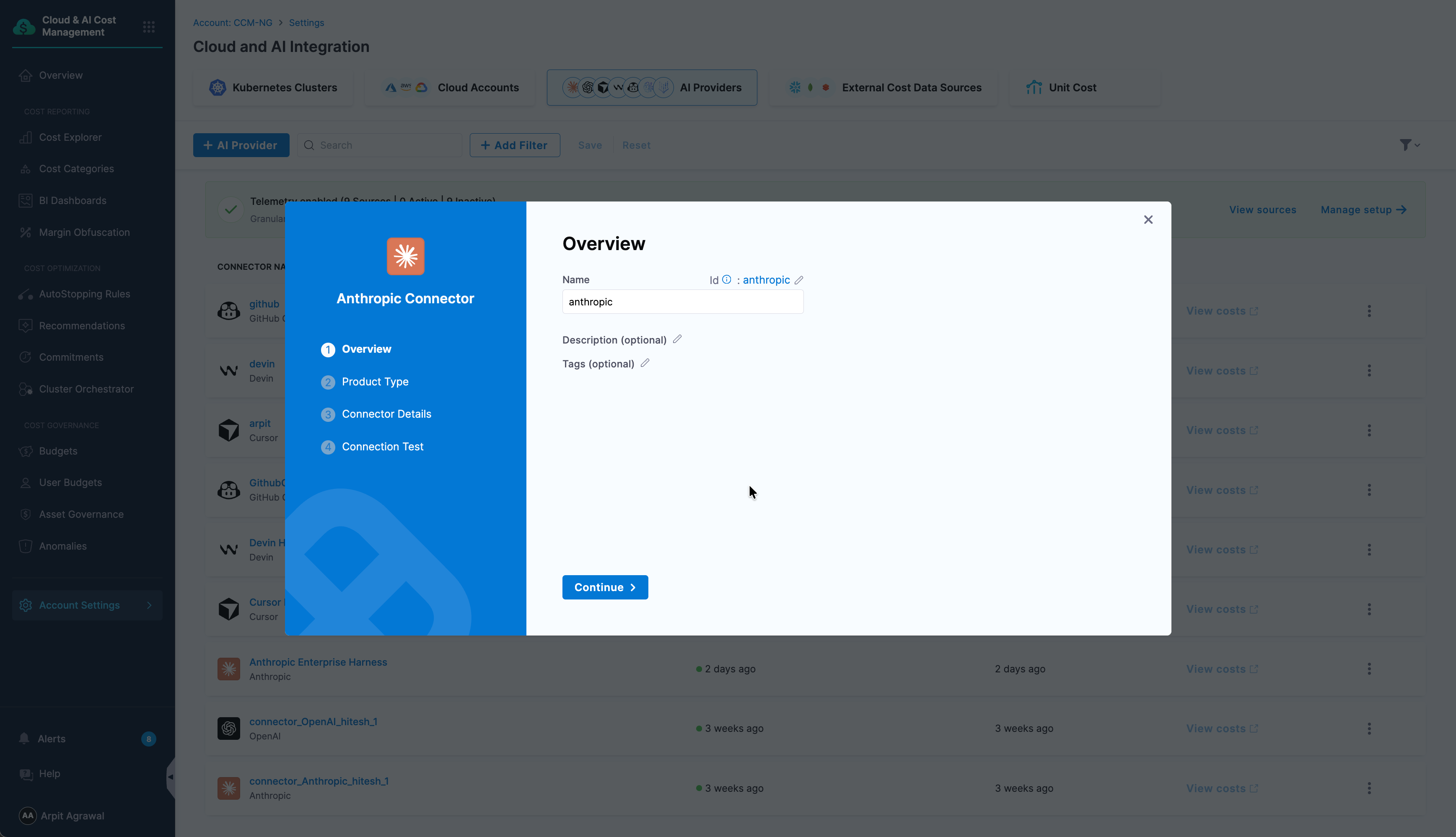
- Click Continue.
Step 2: Select the Product Type
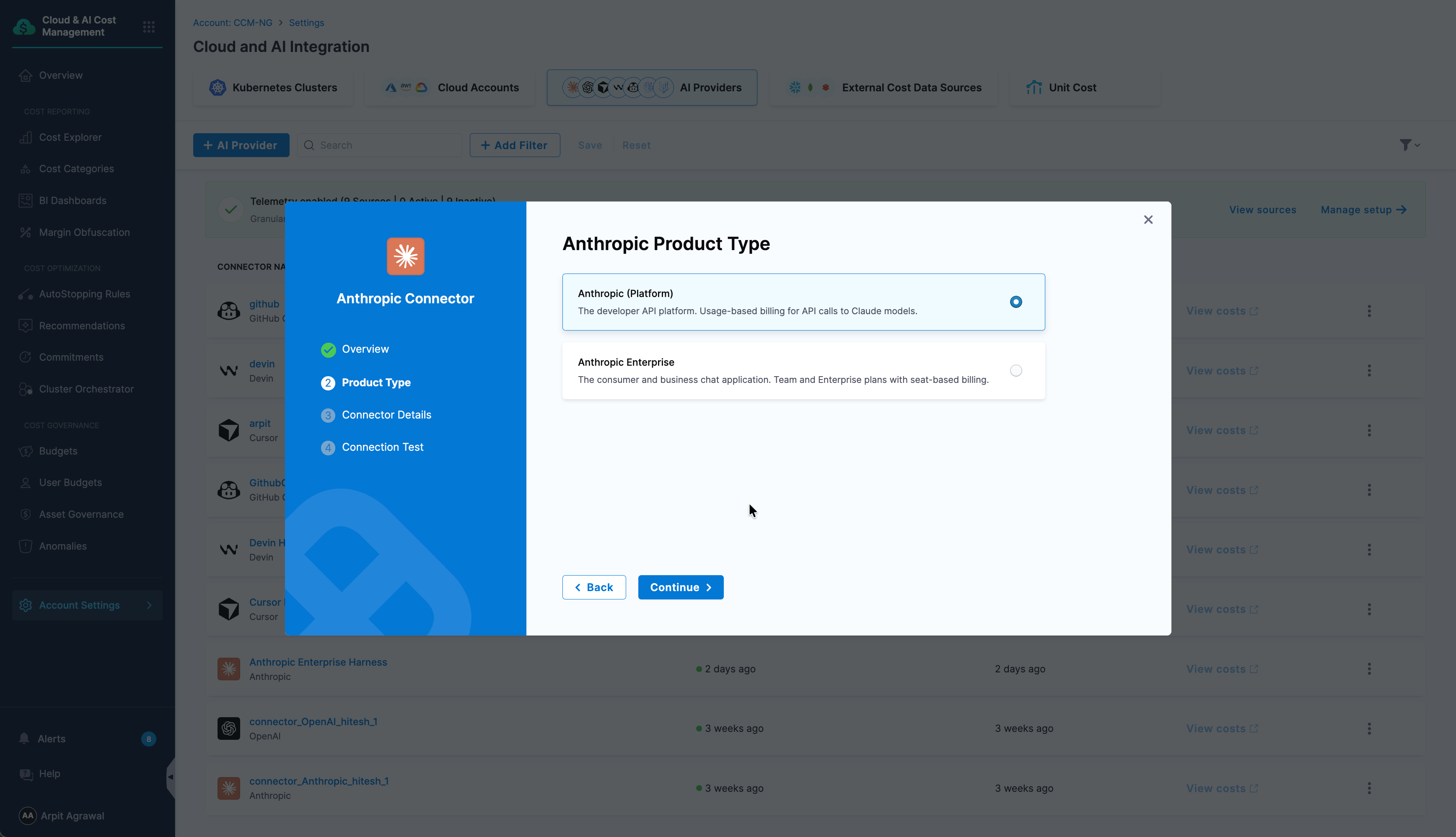
On the Anthropic Product Type panel, select the Anthropic product your spend comes from:
- Anthropic (Platform): The developer API platform, with usage-based billing for API calls to Claude models.
- Anthropic Enterprise: The consumer and business chat application, with Team and Enterprise plans on seat-based billing.
Then click Continue.
Step 3: Add the Connector Details
On the Connector Details panel, confirm the API endpoint and provide the Anthropic Admin API key as a Harness secret. Do the following:
-
In the URL field, do not change the default
https://api.anthropic.comunless you have a custom endpoint.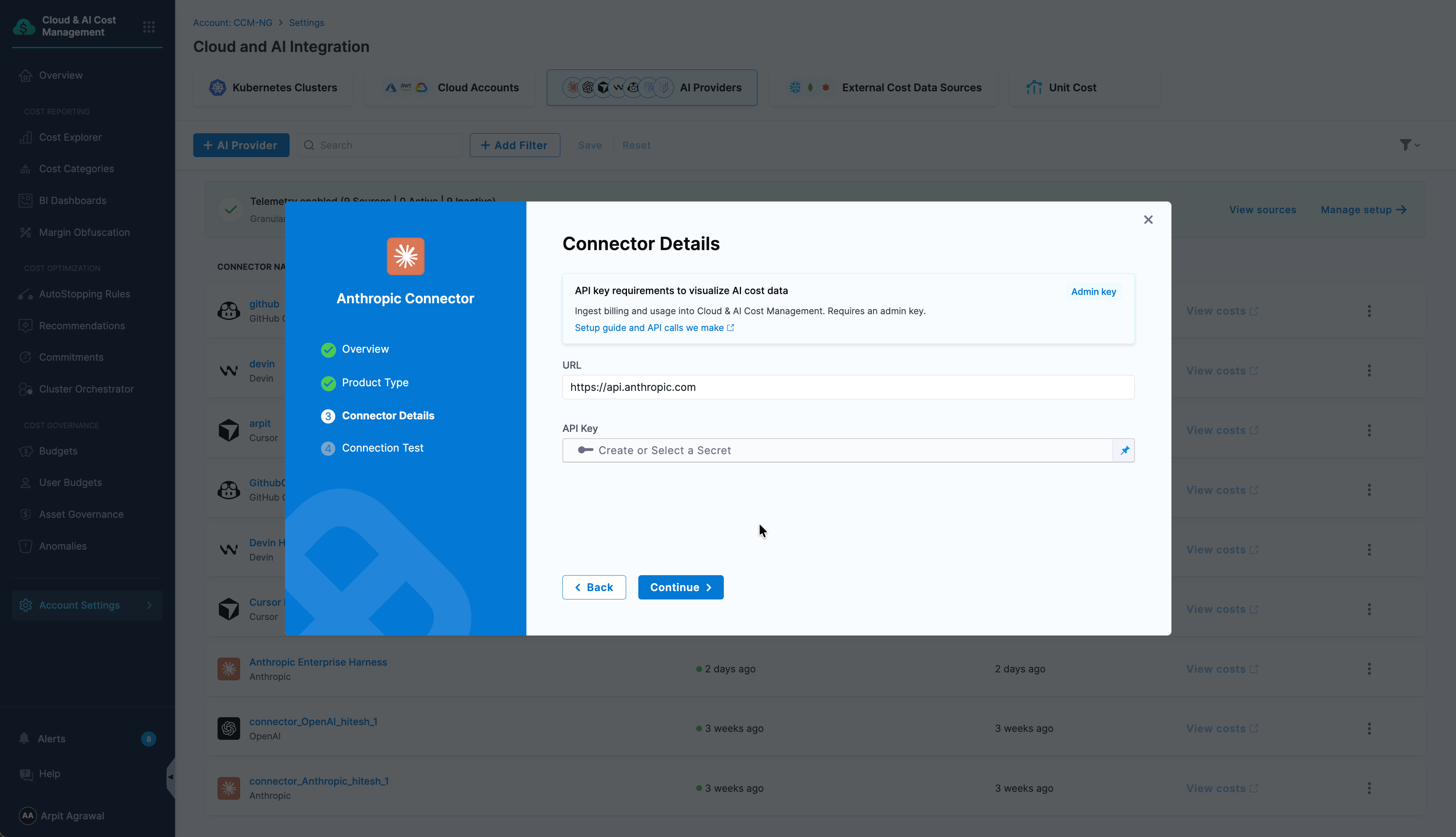
-
In the API Key field, click Create or Select a Secret.
-
To use an existing secret, select it from the list, then click Apply Selected.
-
To add a new secret, click New Secret Text, enter a Secret Name, and provide your Anthropic Admin API key as the Secret Value.
warningThe key must match the product type you selected in Step 2, or the connection test fails with a scope mismatch error. If the connection test fails, refer to Fix a scope mismatch error.
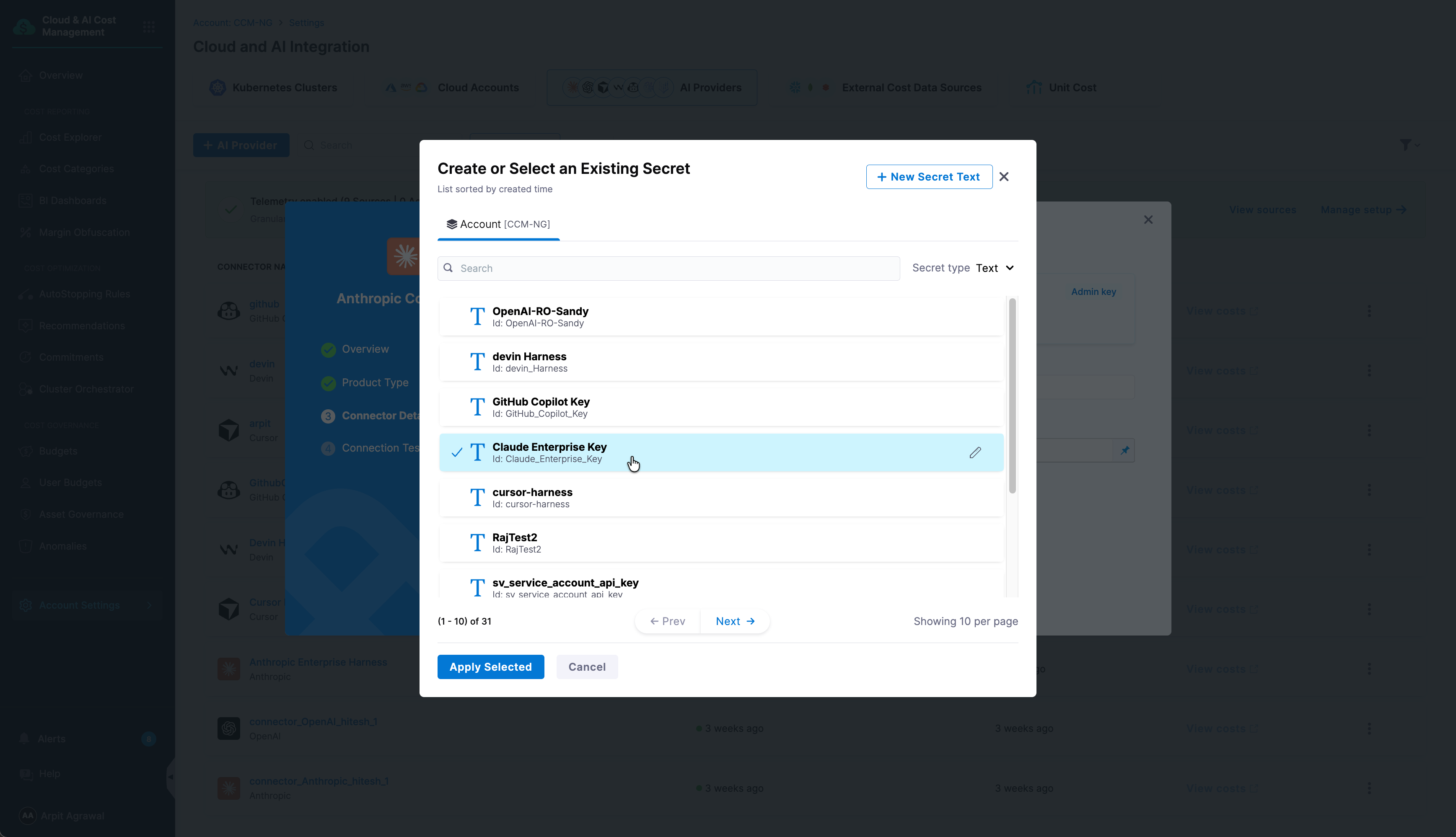
Go to Add and reference text secrets to review all secret creation options.
-
-
Click Continue.
Step 4: Verify the Connection
On the Connection Test panel, Harness validates the API key against your Anthropic account. Once the verification is successful, click Finish to create the connector.
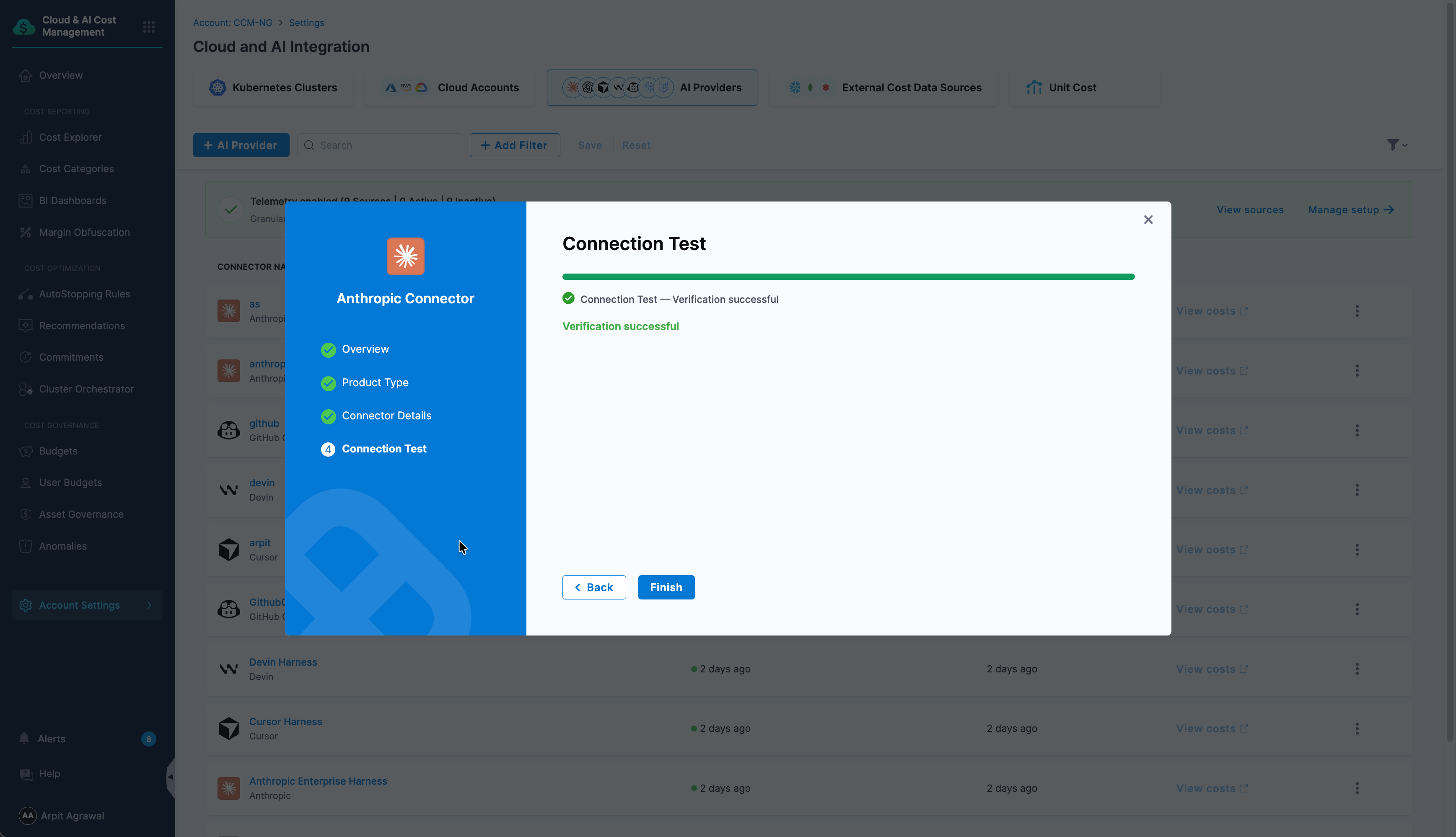
If the test fails with an HTTP 403 "Missing required scope" error, your key does not match the product type you selected. Go to Fix a scope mismatch error to resolve it.
Troubleshooting
Fix a Scope Mismatch Error
Each product type needs an Admin key with a specific scope. If the key does not match the product type you selected in Step 2, the connection test fails with an HTTP 403 "Missing required scope" error.
| Product type | Required key scope |
|---|---|
| Anthropic (Platform) | api:admin |
| Anthropic Enterprise | read:analytics |
If you select Anthropic Enterprise but use a Platform key, the test reports that read:analytics is missing.
If you select Anthropic (Platform) but use an Enterprise key, the test reports that api:admin is missing.
To fix it, do one of the following, and then click Retest:
- Go back to Step 2 and select the product type that matches your key.
- Create a new Anthropic Admin key with the scope your product type needs, save it as a Harness secret, and then reselect it in the API Key field.