pr-upgrade
How to upgrade using the Pull Request Process
Starting from HSF 2.2.5 you will get a pull request notification email when a new update is released.
To Update:
Review Code Changes
-
Go into Harness Code Repository → Pull Requests → All
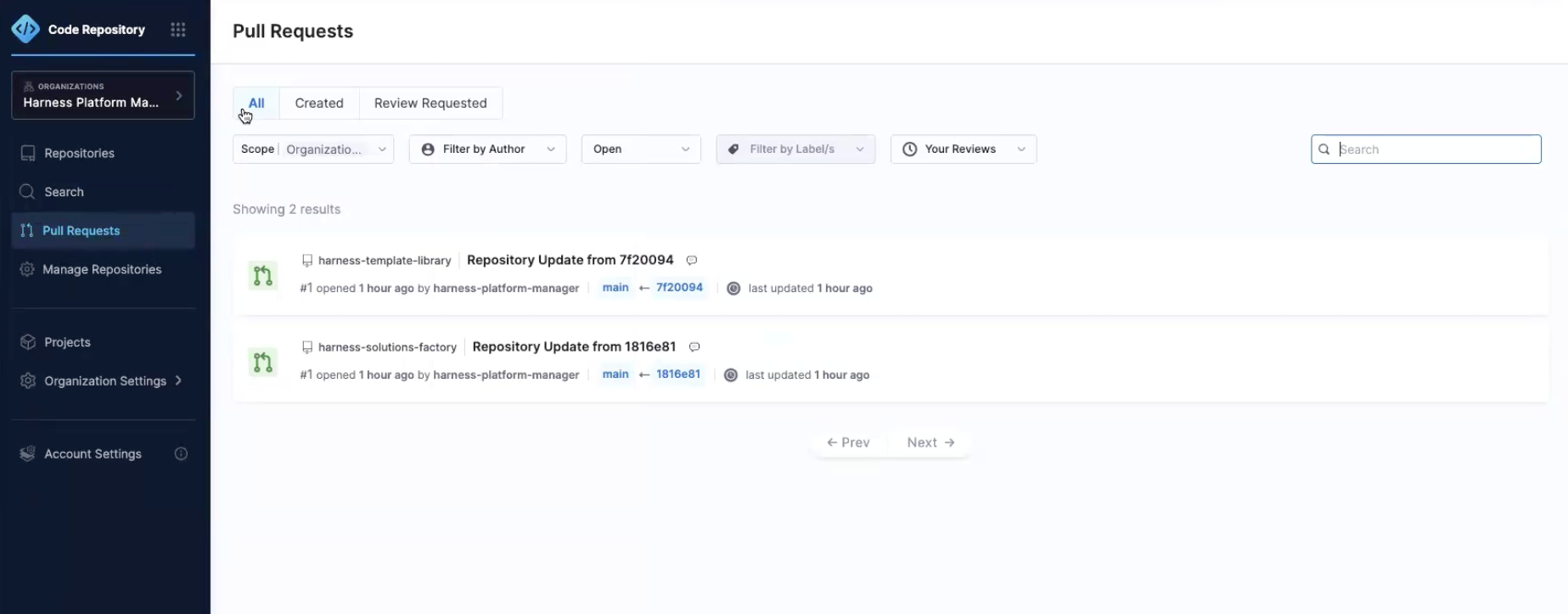
- Review each of the open Pull Requests for the
harness-solutions-factoryandharness-template-libraryx repositories. We will be merging all of them in to update the version of HSF.
- Review each of the open Pull Requests for the
-
Go into
harness-solutions-factory→ Changes → Click Approve at the top right. You can see everything that has changed in this version.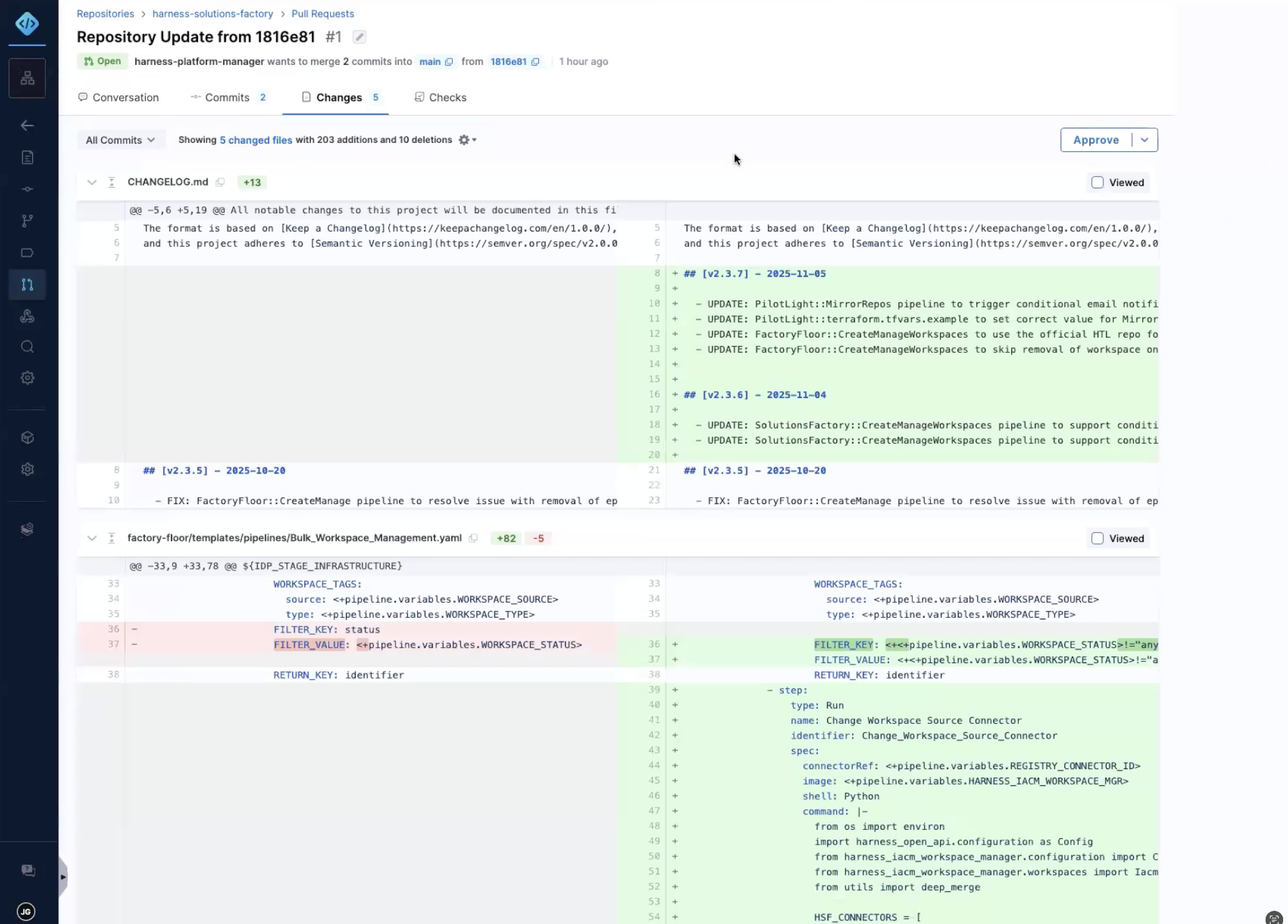 note
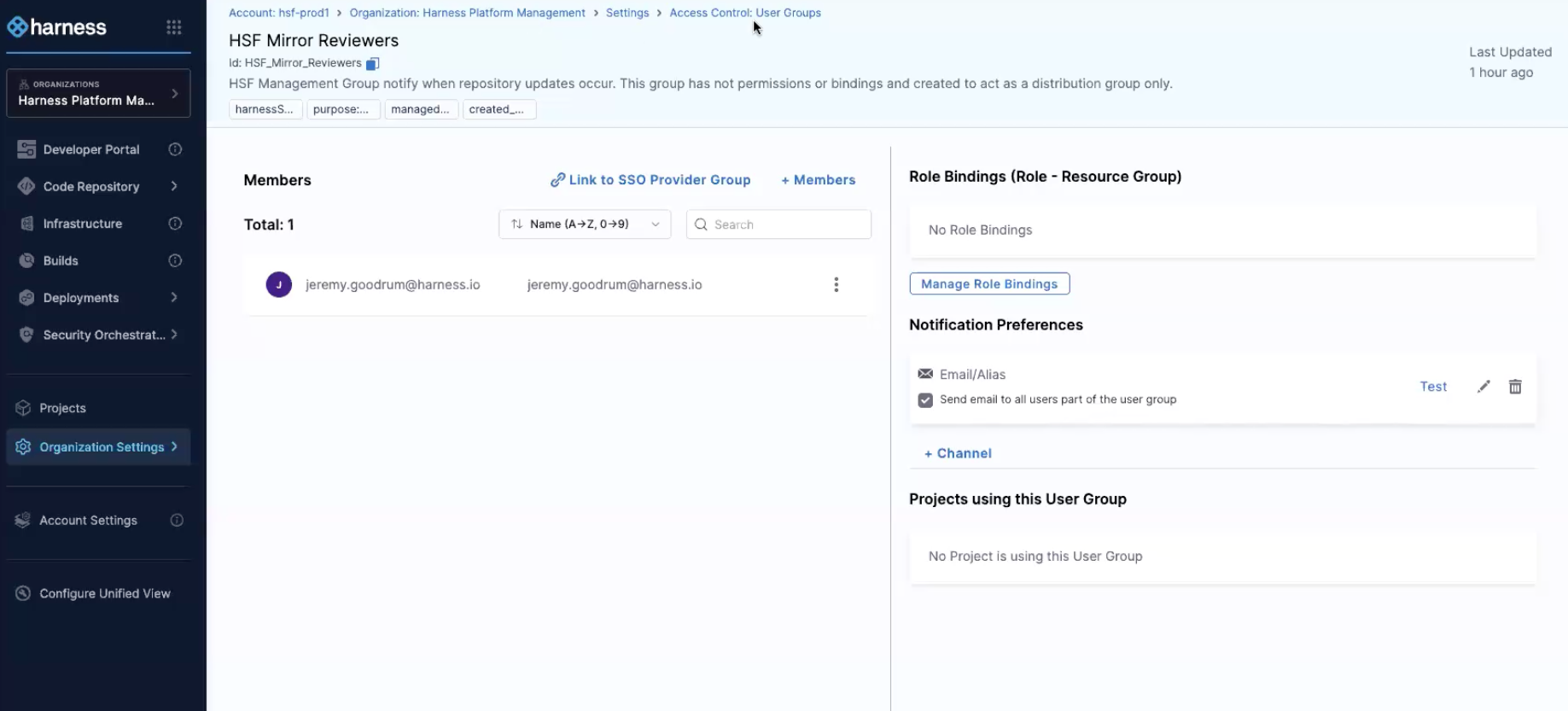
noteTo be able to Approve you need to be a member of the HSF Mirror Reviewers. To be part of this user group, the person needs to be part of the organization. Make sure the send email notification option is checked.
-
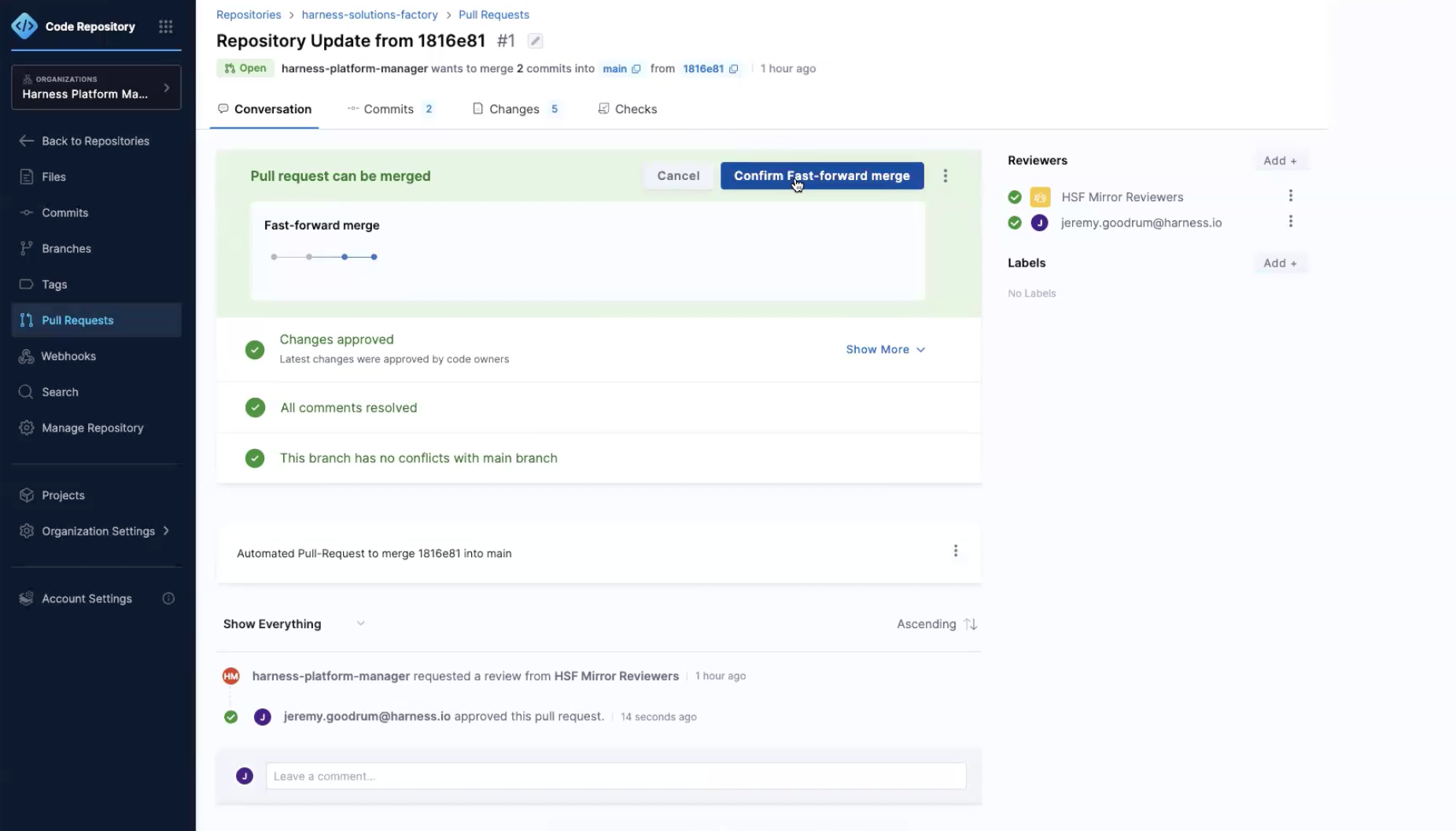
Go back to Conversation → Click Confirm Fast-Forward Merge
-
Do the same thing for
harness-template-library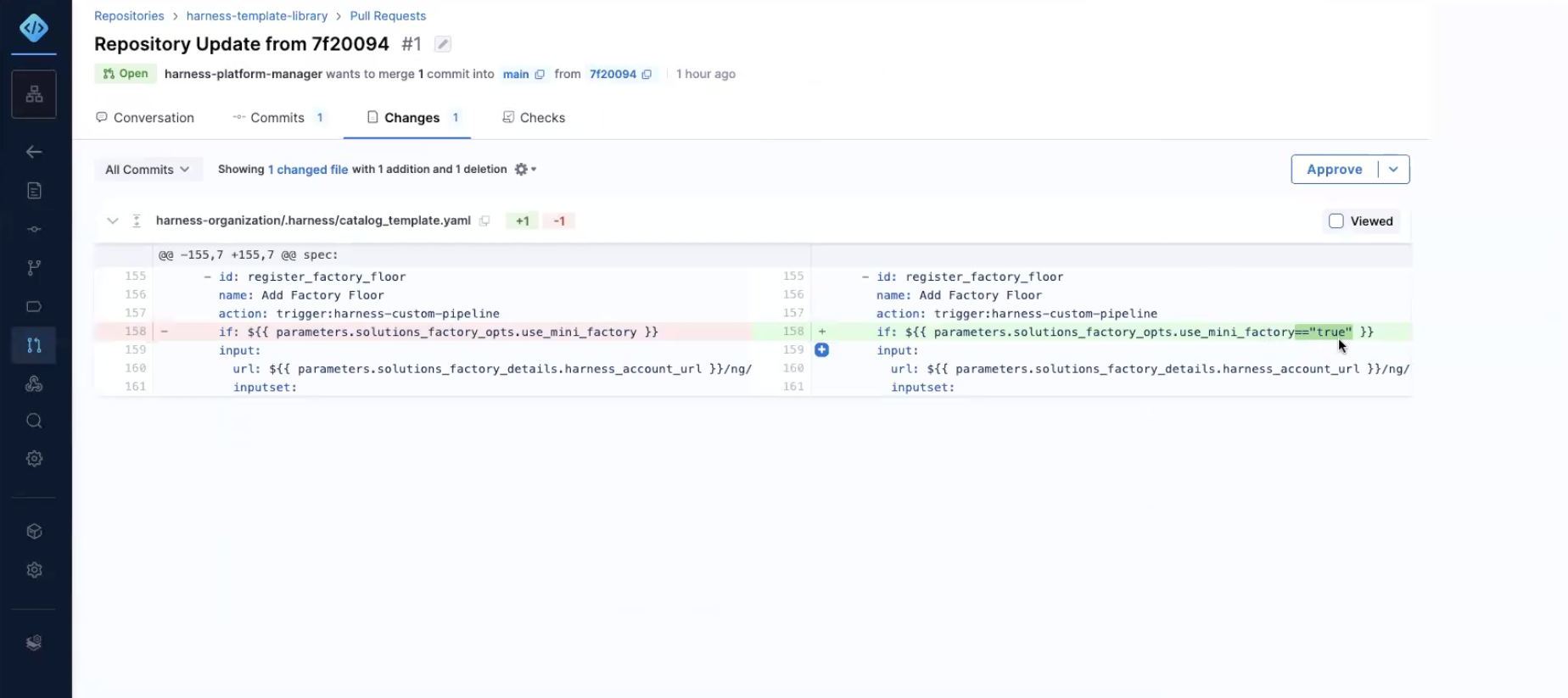
- Review modification in Changes, click Approve, and click Confirm Merge
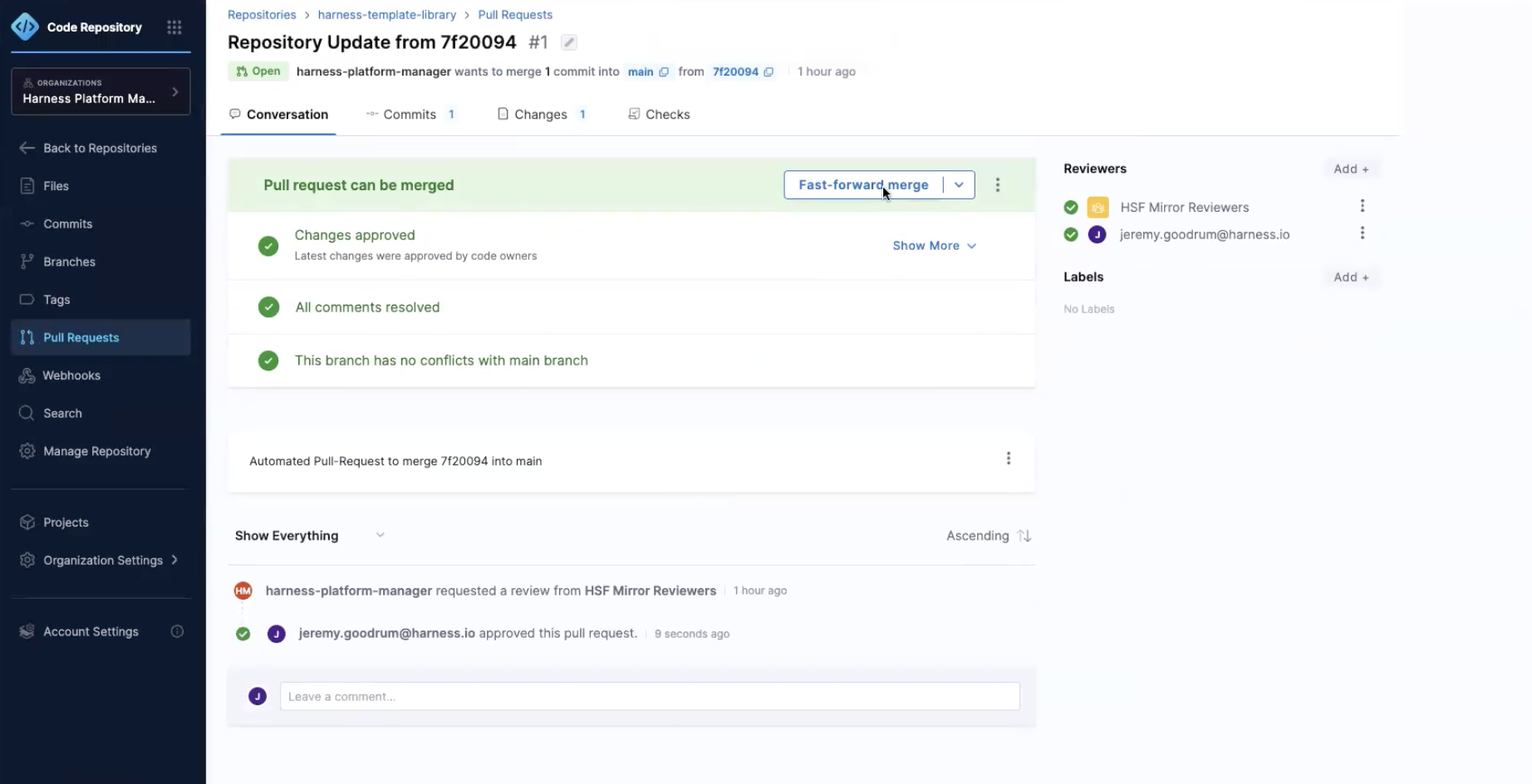
- Before continuing, verify no additional Pull Requests are opened. At this point we have updated the source code and now we need to upgrade the installation.
Update Core Framework Configurations
-
Go into Pipelines in the Solutions Factory Project
-
Run
Manage Pilot Light→ Approve Changes (Review) → Approve Now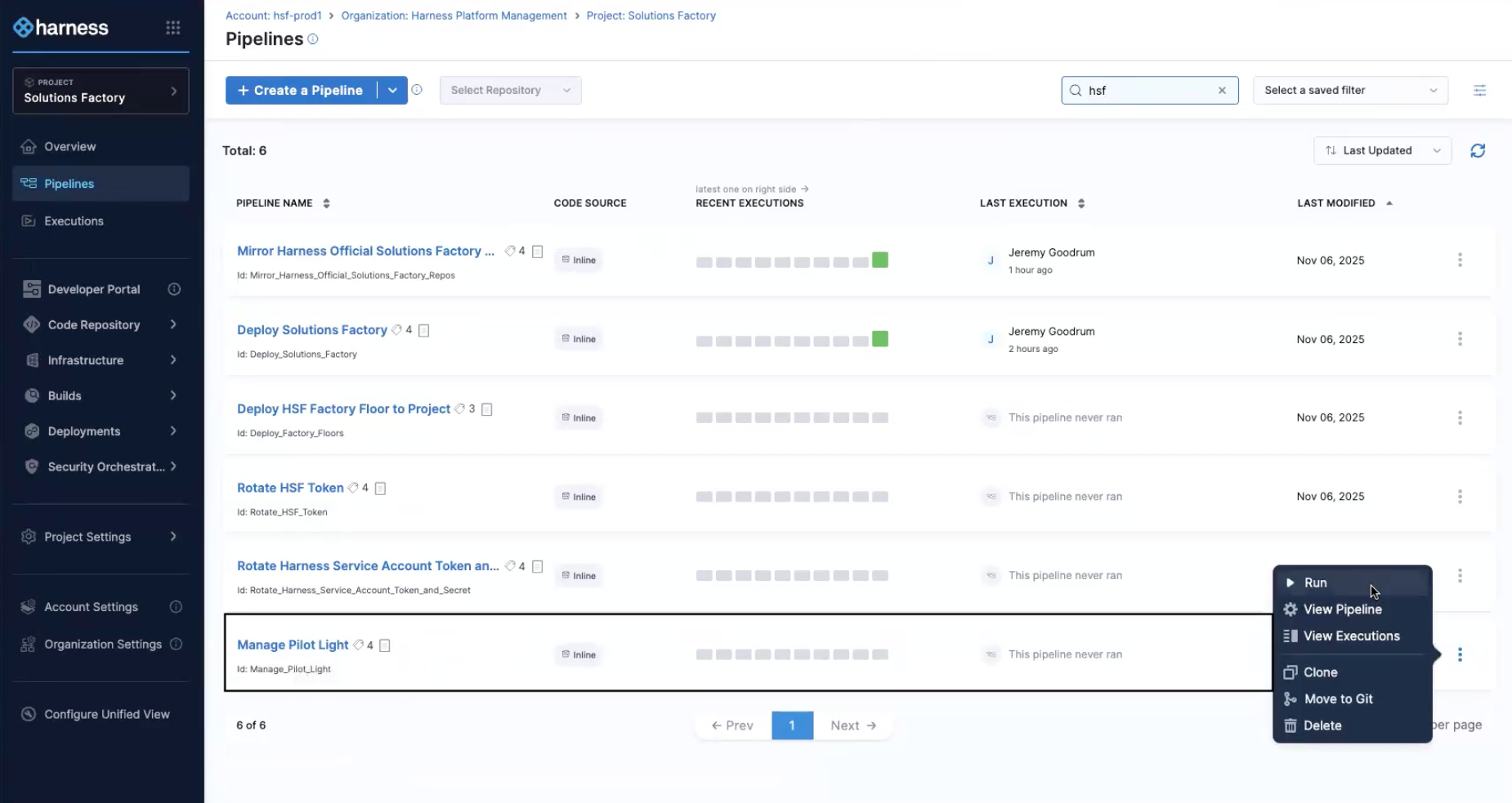
-
Go into IaCM Workspaces →
Harness Solutions Factory- Go into Connectors and Variables and add the variables:
Variable Key Value should_use_hsf_hub false should_use_harness_idp true - Save Changes
- Go into Connectors and Variables and add the variables:
-
Wait for
Manage Pilot Lightto finish and then runDeploy Solutions Factory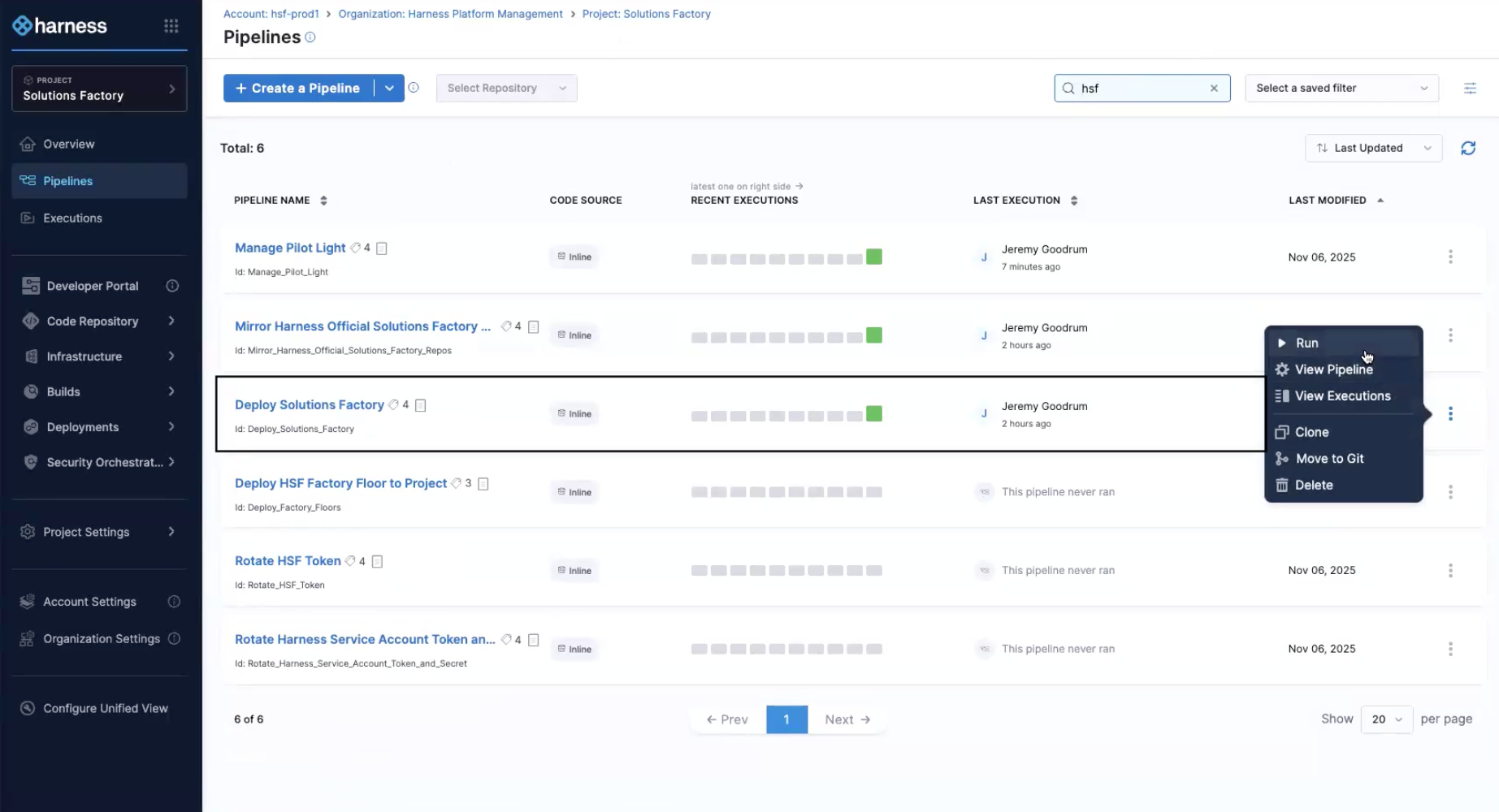
-
Update is complete!