import-from-git
Import entities from Git
In Harness IDP, you can create new entities by importing their YAML definitions stored in Git repositories directly into Harness IDP. This feature allows teams to reuse pre-defined configurations, onboard services faster, and migrate from existing repositories.
Before you begin
Before you begin, ensure:
- You have a Git connector configured in Harness IDP (Harness Code Repository, GitHub, GitLab, Bitbucket, or Azure Repos) to import your entity YAMLs. Go to Configure Git Connector to learn more.
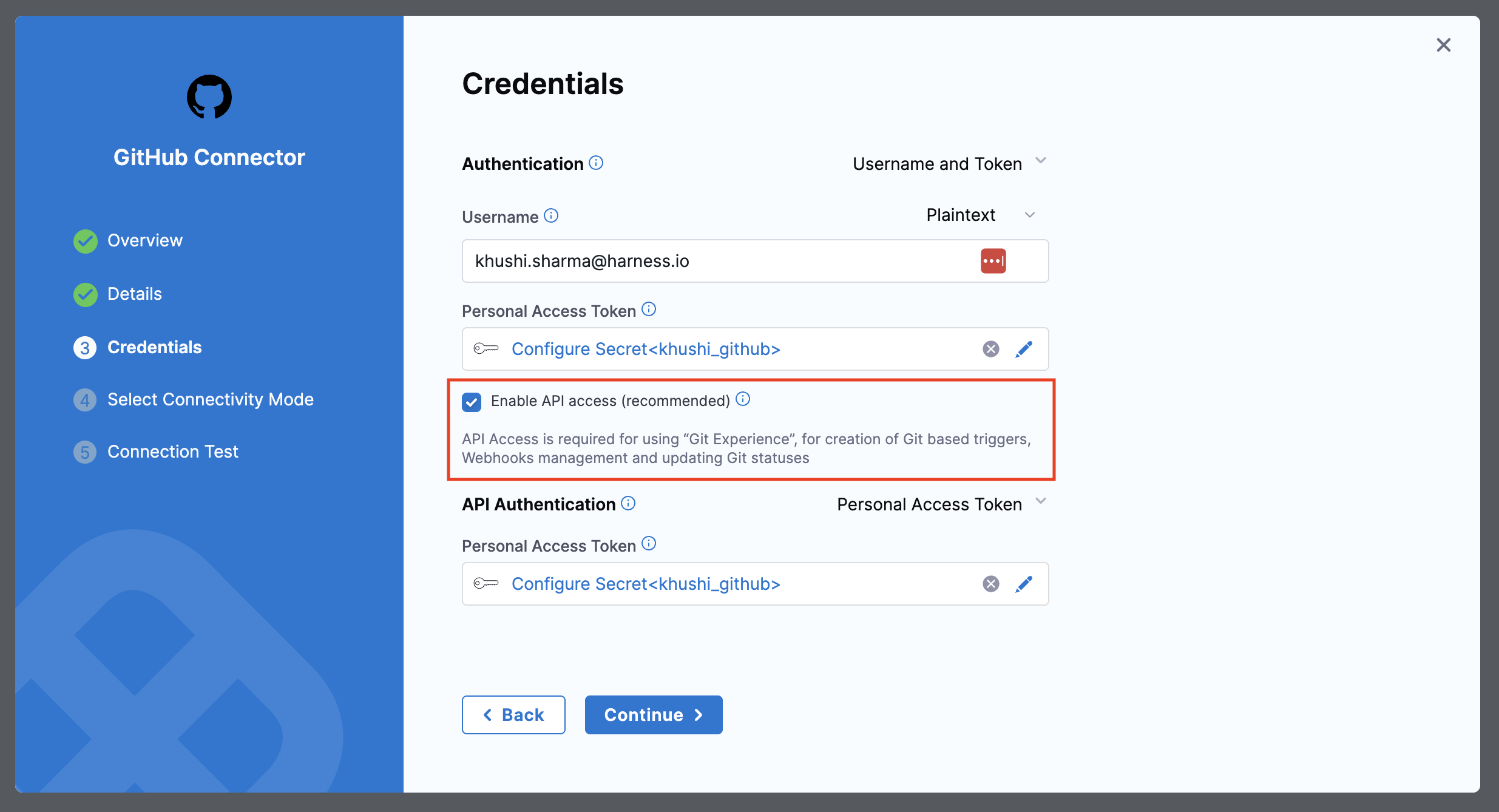
- API Access is enabled for your Git connector (required for Harness Git Experience). For connection types where API access is not enabled by default, you must enable it from the Git connector settings. Go to enable API access.
Import an entity from Git
To learn more about entity scope rules, connector constraints, and advanced import options, go to Import Entity in Harness IDP.
- Interactive Guide
- Step-by-Step
Step 1: Navigate to import
- Go to Harness IDP → Create
- At the bottom of the page, find the option to create a new entity by importing YAML from Git.
- Click on Import from Git
Step 2: Select entity scope
- Select the Entity Scope (Account, Organization, or Project level)
- The scope you select determines where your entity will be created.
Make sure your imported YAML includes the appropriate scope identifiers (projectIdentifier and orgIdentifier), otherwise, it will result in an error.
Step 3: Choose Git provider
Select your Git provider type:
Option A: Harness Code Repository
If using Harness Code Repository, provide the following details:
- Repository: Git repository where your entity YAML is stored
- Git Branch: Branch of your repository where your entity YAML is stored
- YAML Path: Path to your YAML file
Option B: Third-Party Provider
If using a third-party Git provider (GitHub, GitLab, Bitbucket, Azure Repos), provide:
- Git Connector: Git connector configured in your Harness IDP
- Repository: Git repository where your entity YAML is stored
- Git Branch: Branch of your repository where your entity YAML is stored
- YAML Path: Path to your YAML file
Step 4: Import the entity
- Review the details you have entered.
- Click Import
- The entity will be created in your IDP directly from the YAML file stored in Git