action-template
Last updated on
Action Templates provide reusable workflow actions for experiment orchestration.
Creating Action Templates
-
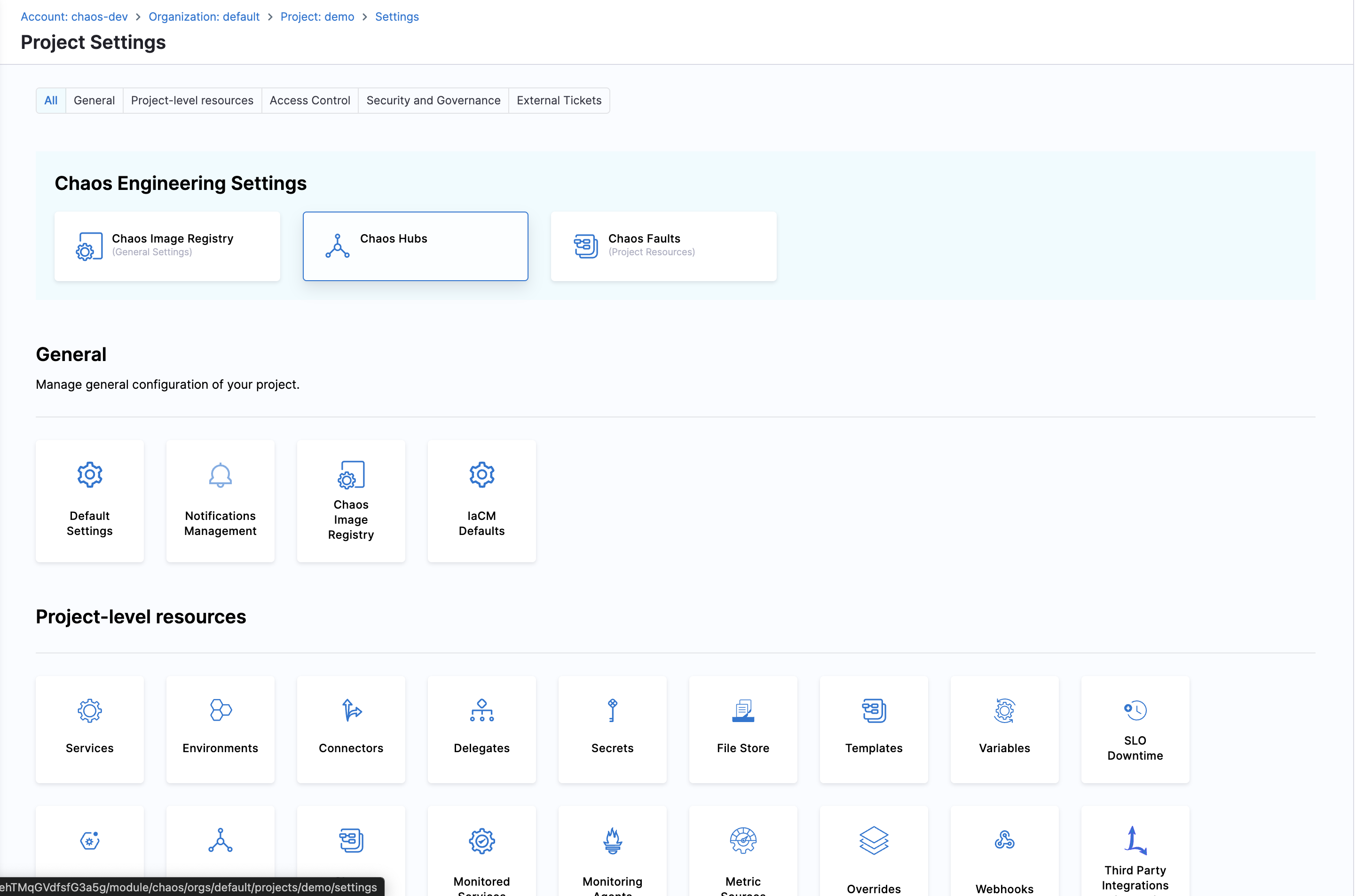
Navigate to ChaosHubs in your Project Settings
-
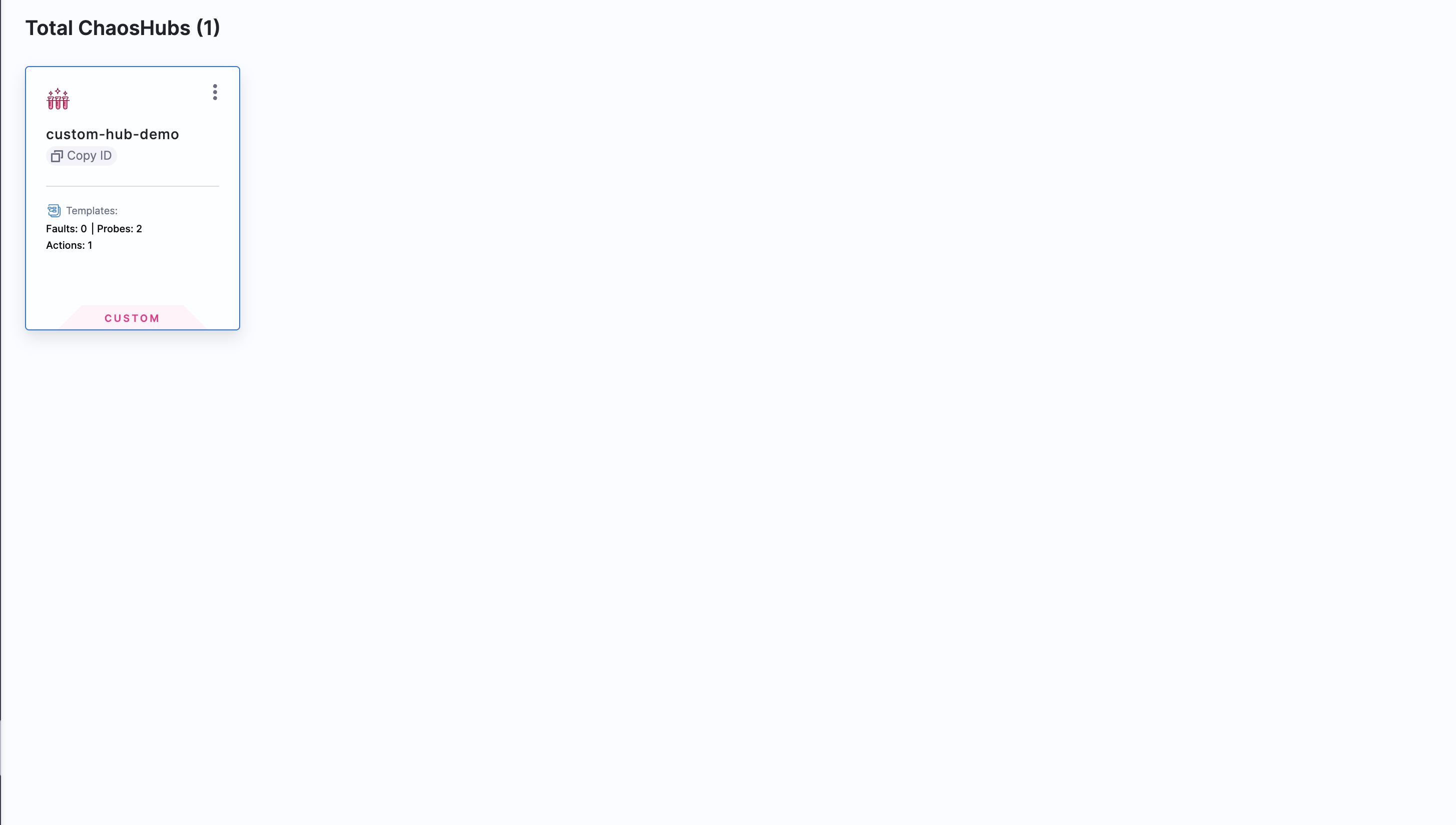
Choose the ChaosHub you want to create action template in.
-
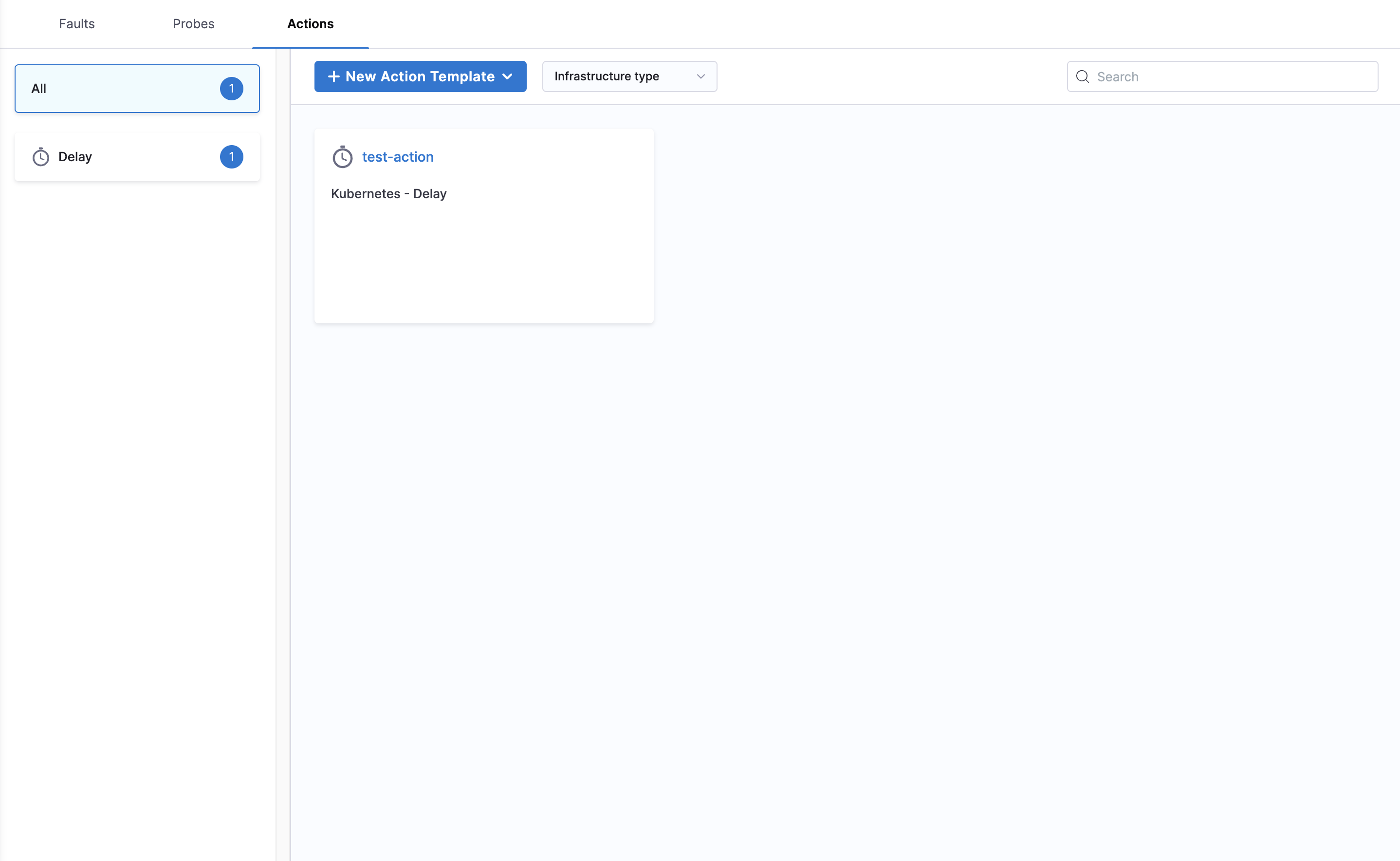
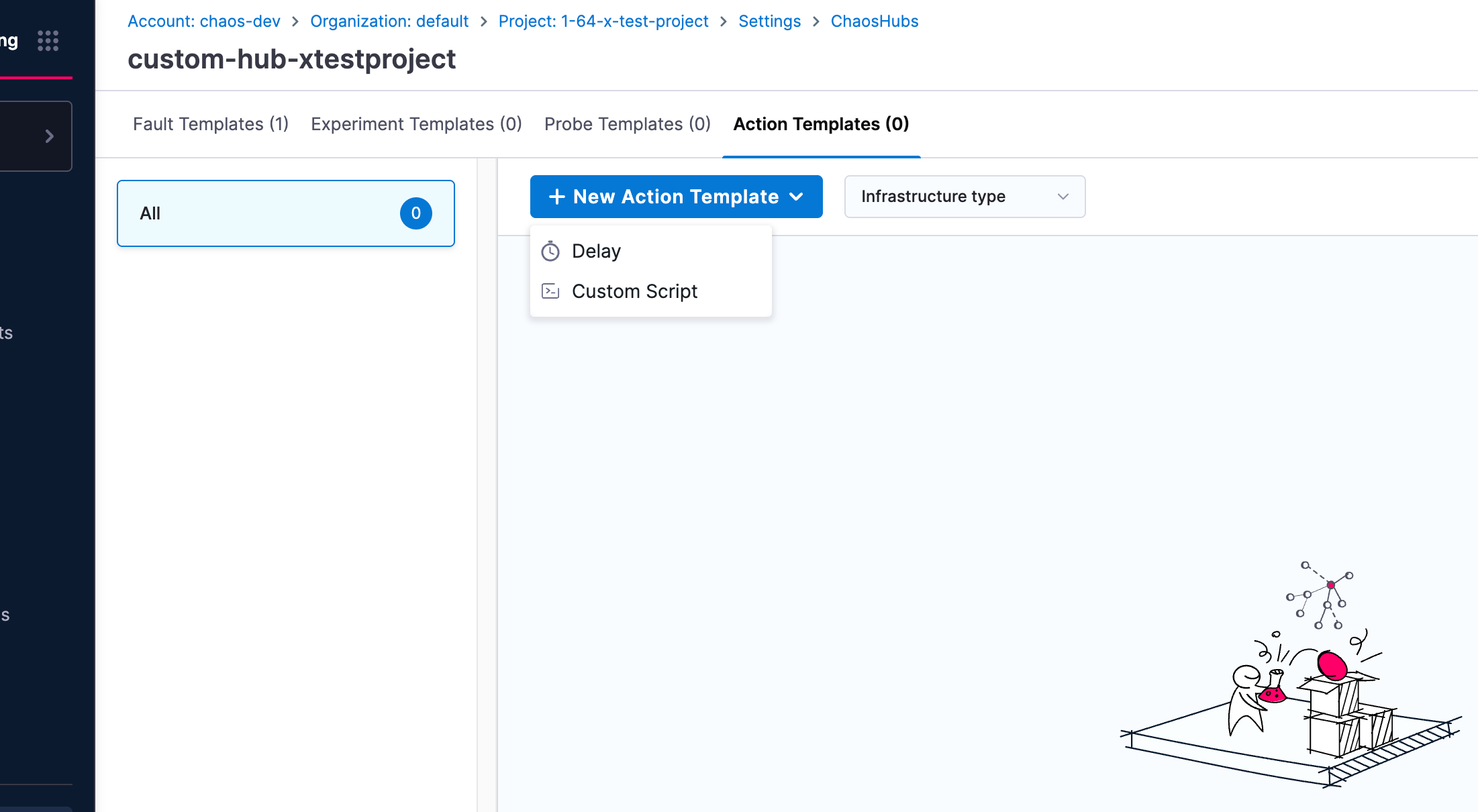
Navigate to Action Templates and click on New Action Template.
-
Choose between the Delay or Custom Script action template, and start creating the template.
-
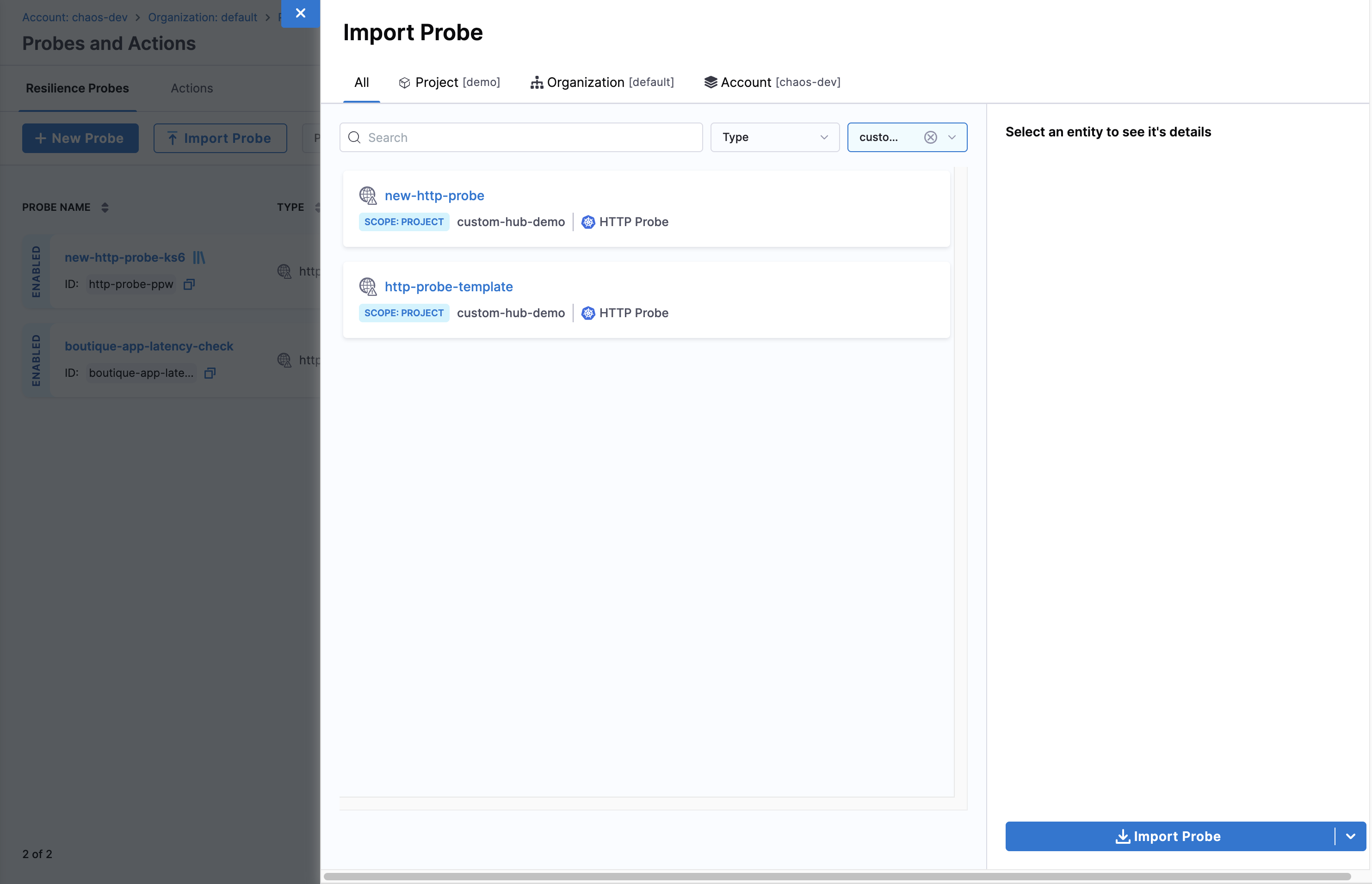
Now to use the Action template in your project, navigate to Probes & Actions and go to Actions tab. Then click Import Action
-
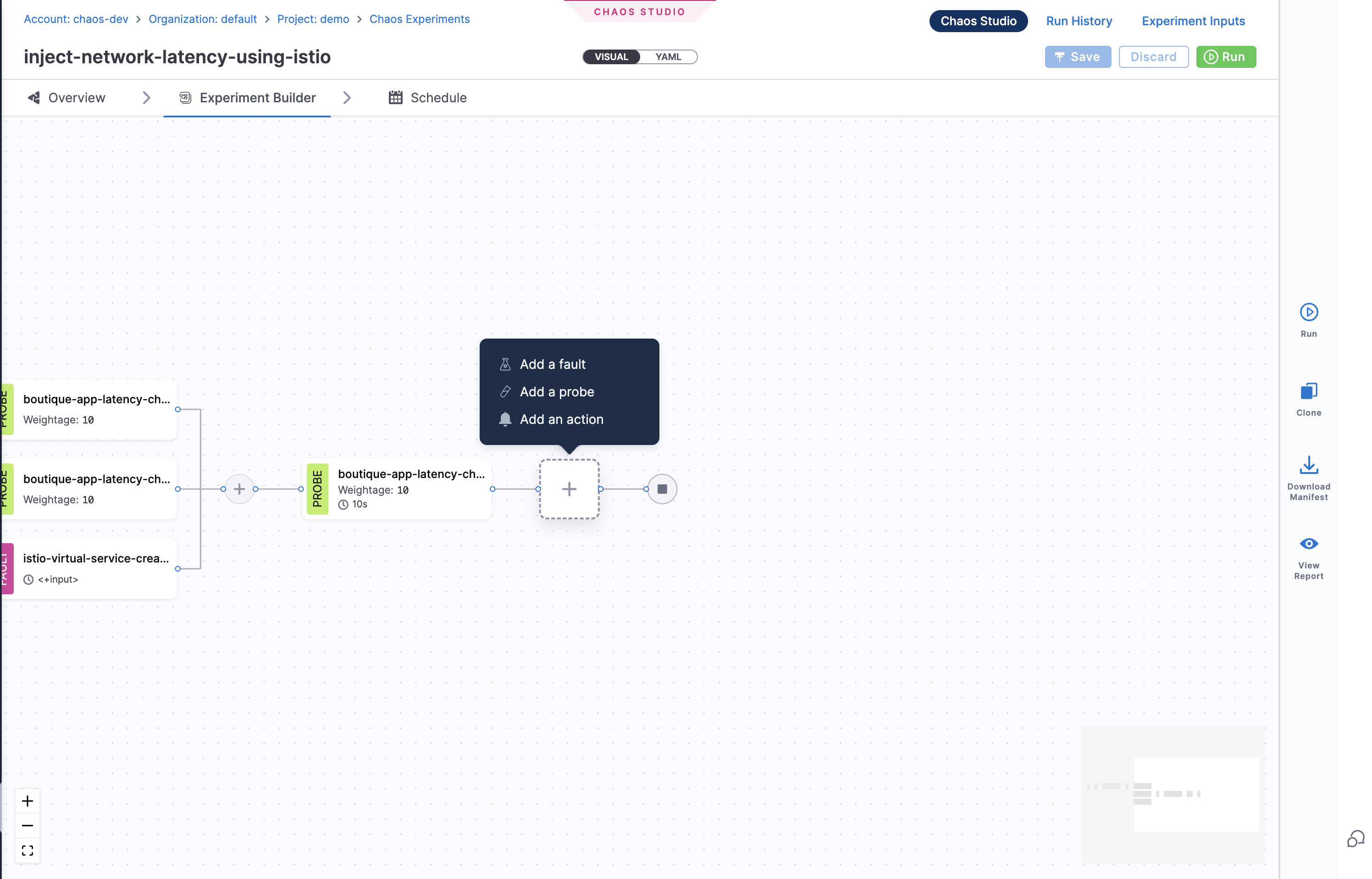
Start using the Action template in your experiments