fault-template
Last updated on
Fault Templates allow you to create reusable custom fault templates that can be shared and used across multiple experiments.
Creating Fault Templates
-
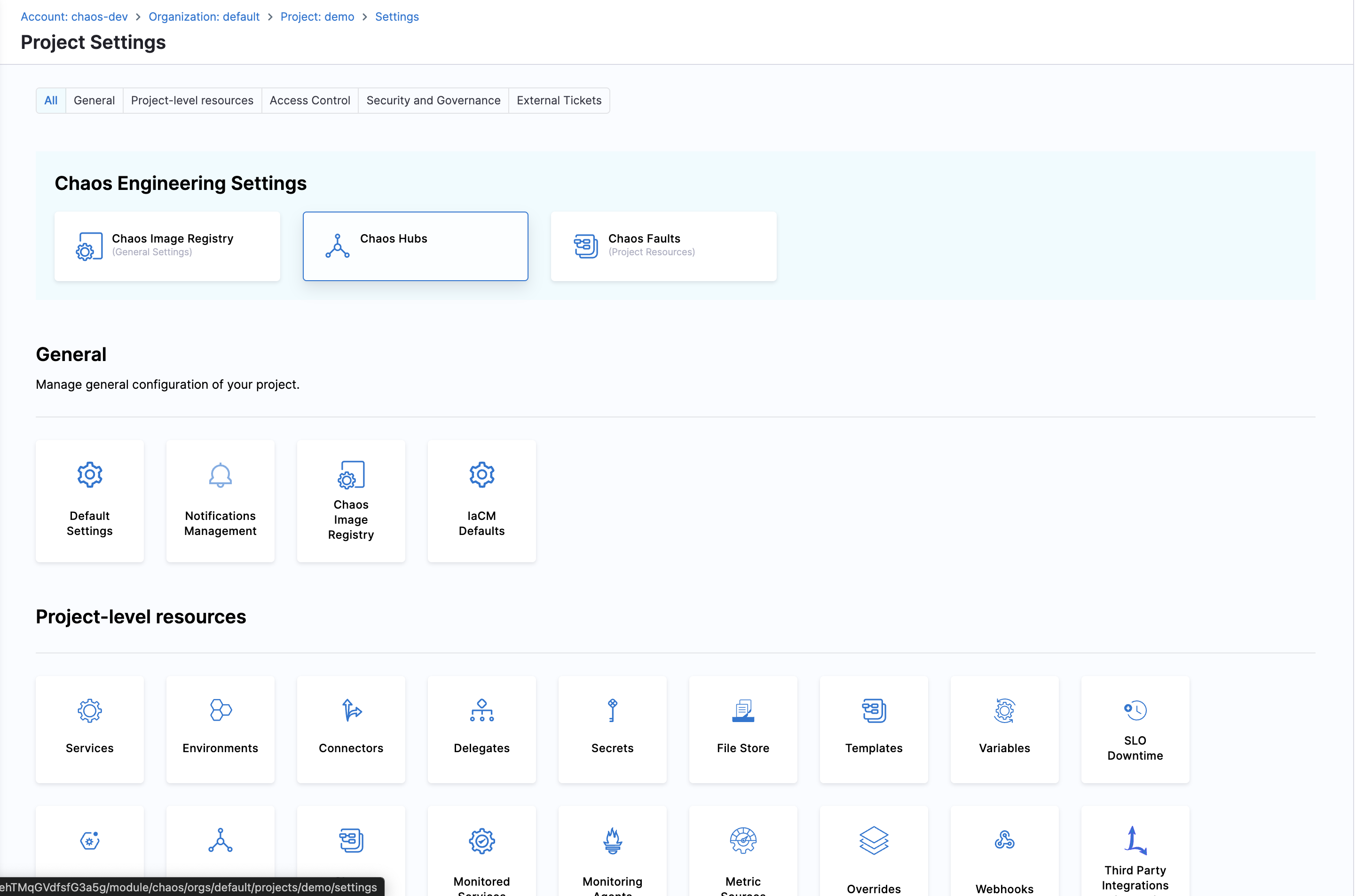
Navigate to ChaosHubs in your Project Settings
-
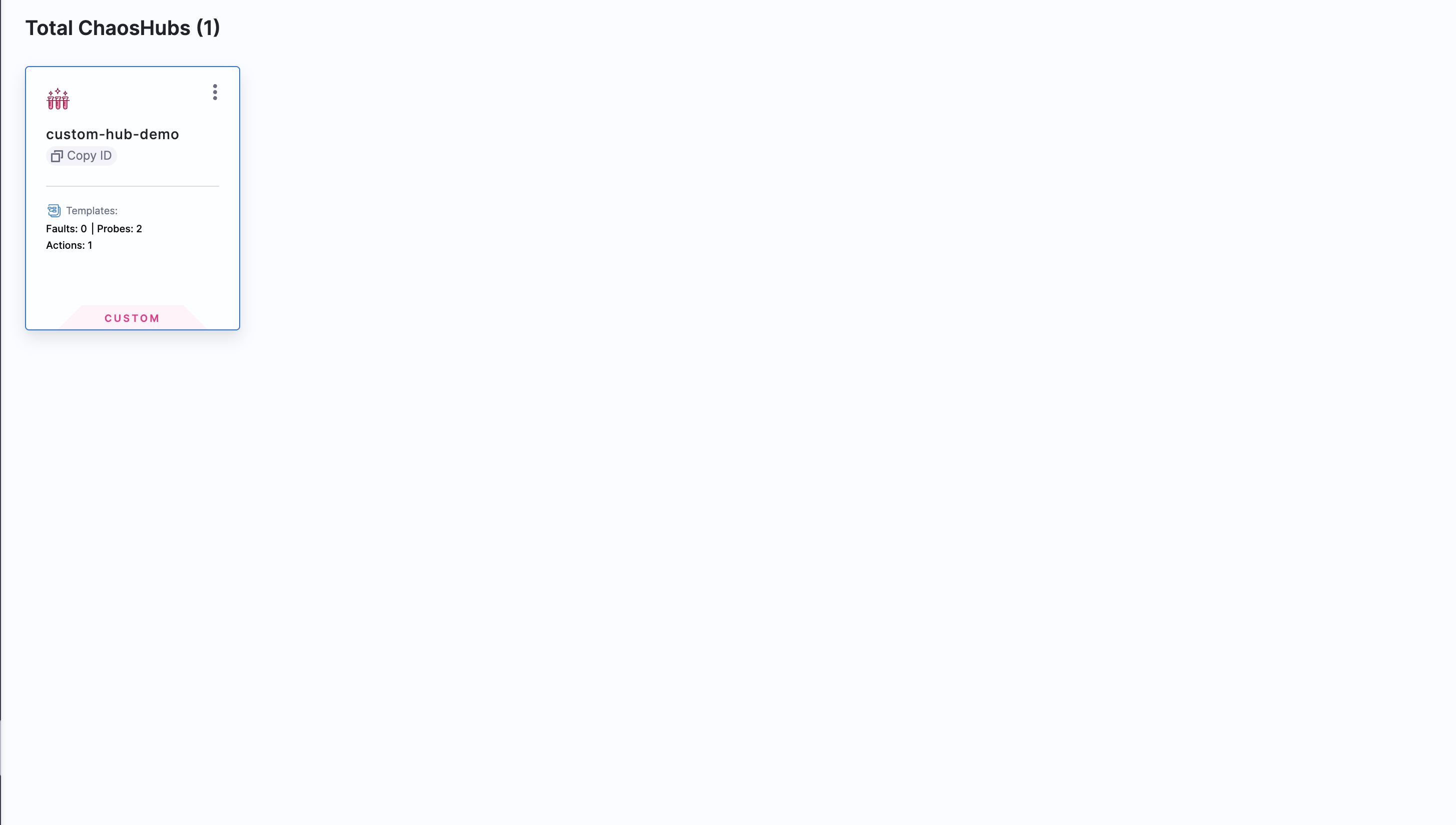
Choose the ChaosHub you want to create fault template in.
-
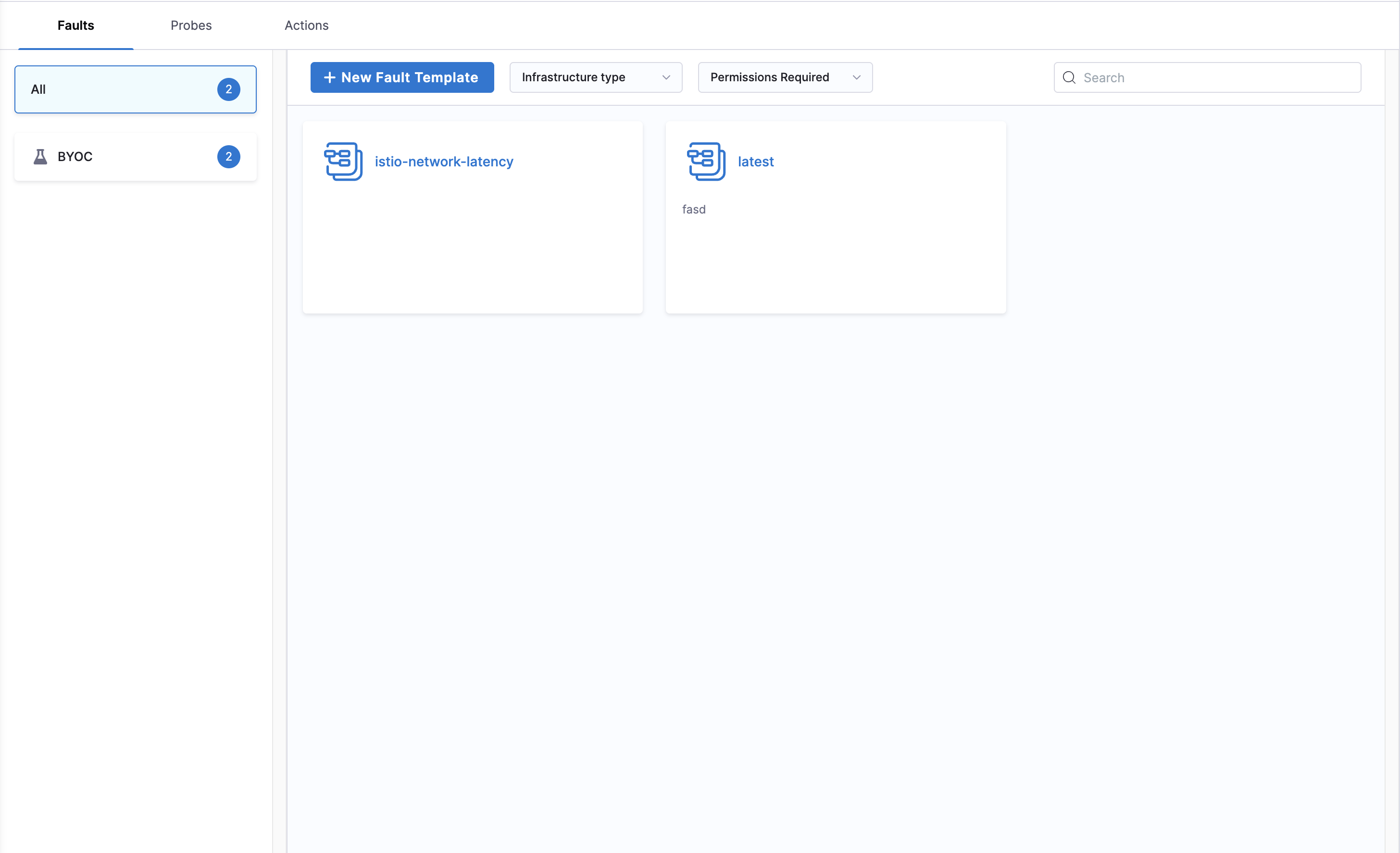
Click on New Fault Template and enter the required details and click Configure Details.
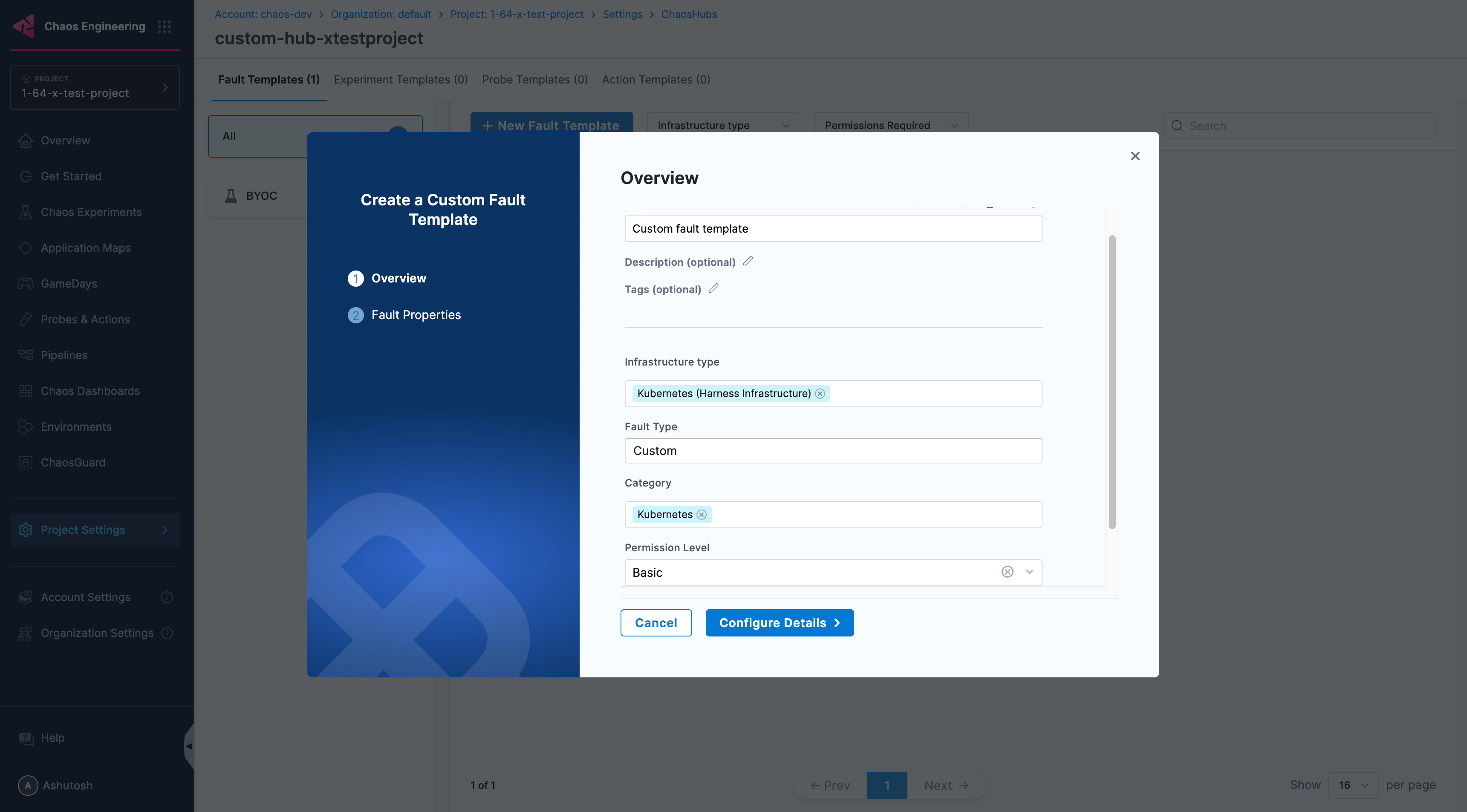
-
In the next screen enter the Lib Image and more advanced properties, then click Create Fault.
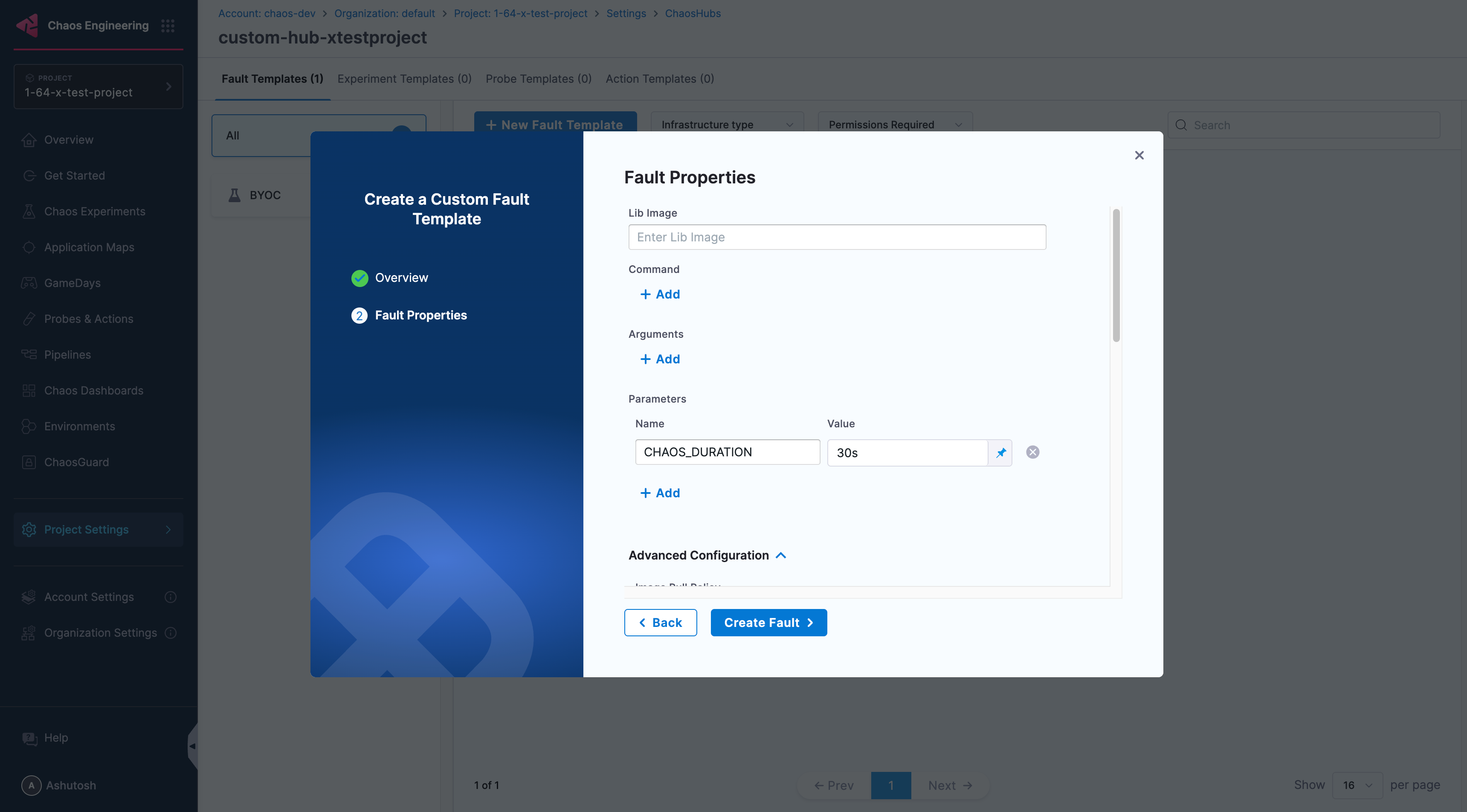
-
That's it. Your fault template is created. Now go back to Project Settings for your project and open Chaos Faults, then click on Custom Faults at the top right.
-
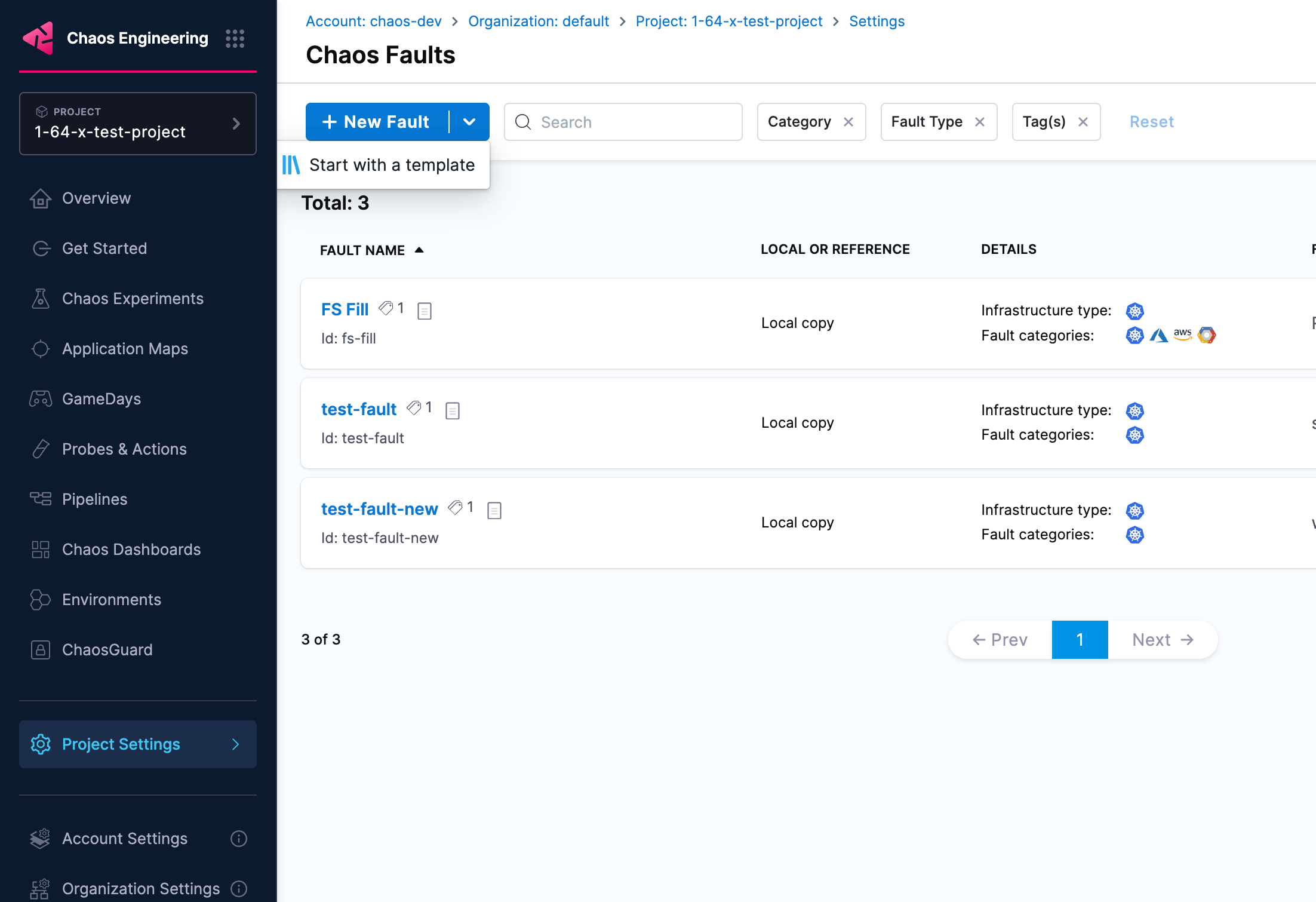
From the dropdown arrow next to New Fault and select Start with a template, to start using the template you created.