Harness Code
The Harness Code integration with SEI 2.0 is in beta. To request access, contact Harness Support.
Use the Harness Code integration to integrate Software Engineering Insights (SEI) with the Harness Code Repository module.
Requirements
To configure the Harness Code integration, you need:
- Your Harness Code URL
- A Harness API key and token
Add the integration
-
In your Harness project, navigate to the SEI module and select Account Management.
-
Select Integrations under Data Settings.
-
Select Available Integrations and click Add Integration under Harness Code.
-
Select between Cloud and On-Prem installation options.
- Cloud
- On-Prem
-
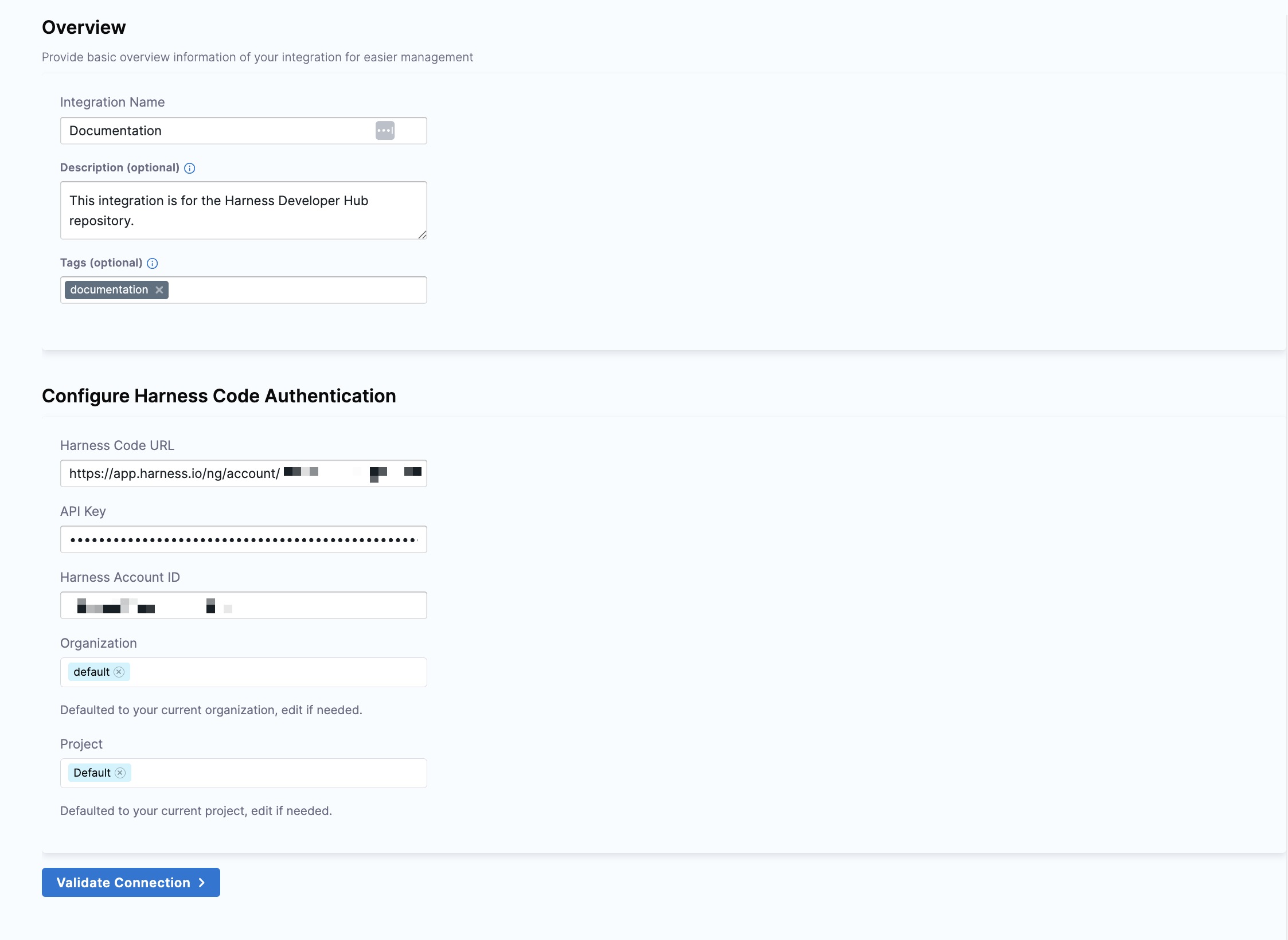
In the Overview section, enter a name for the integration. Optionally, include a description and add tags.
-
In the Configure Harness Code Authentication section, enter the following details:
- Your Harness Code URL
- Your Harness API key
- Your Harness Account ID (pre-defined by default)
-
The organization and project fields default to your current organization and project, which you can customize.
-
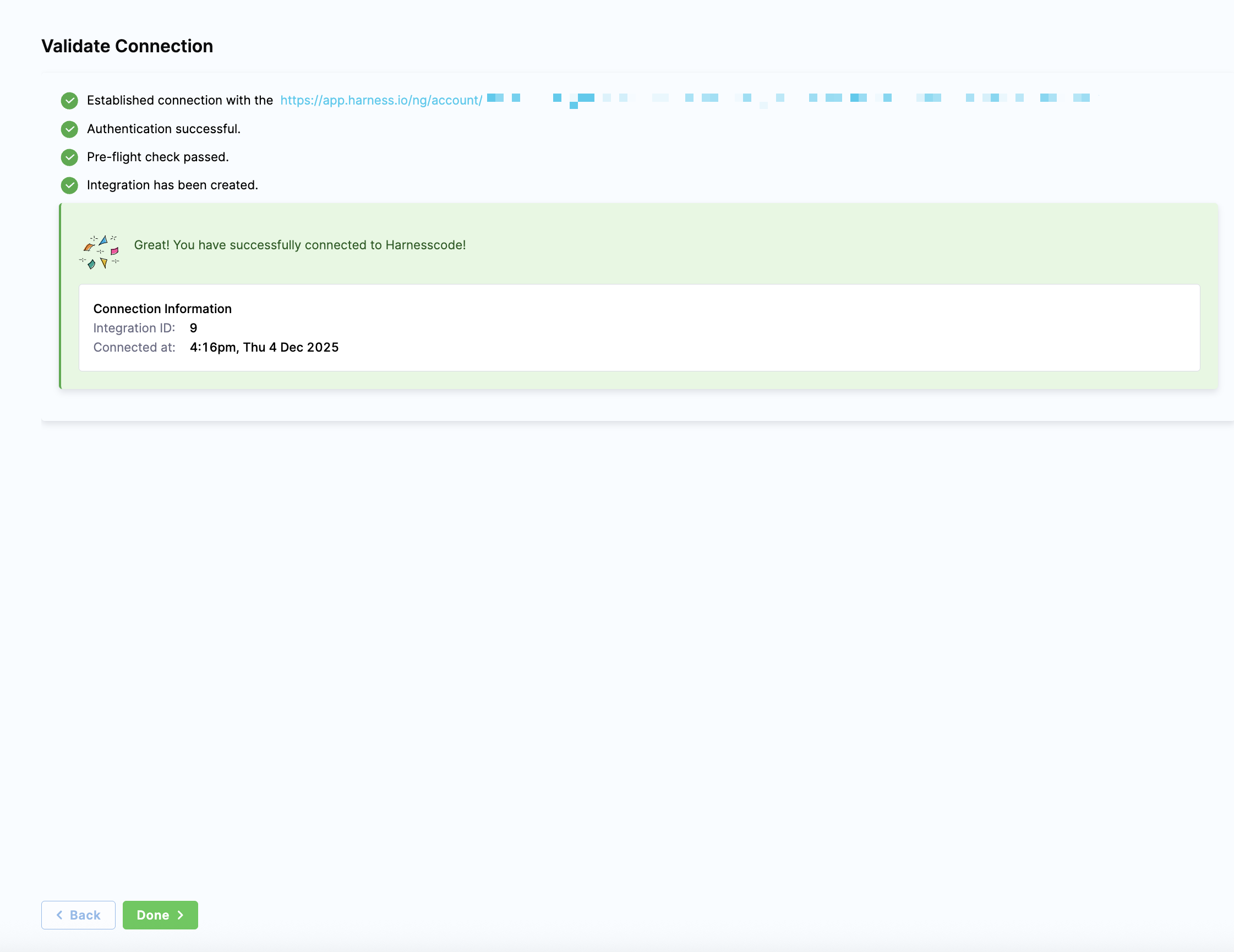
Click Validate Connection to test the integration configuration.
-
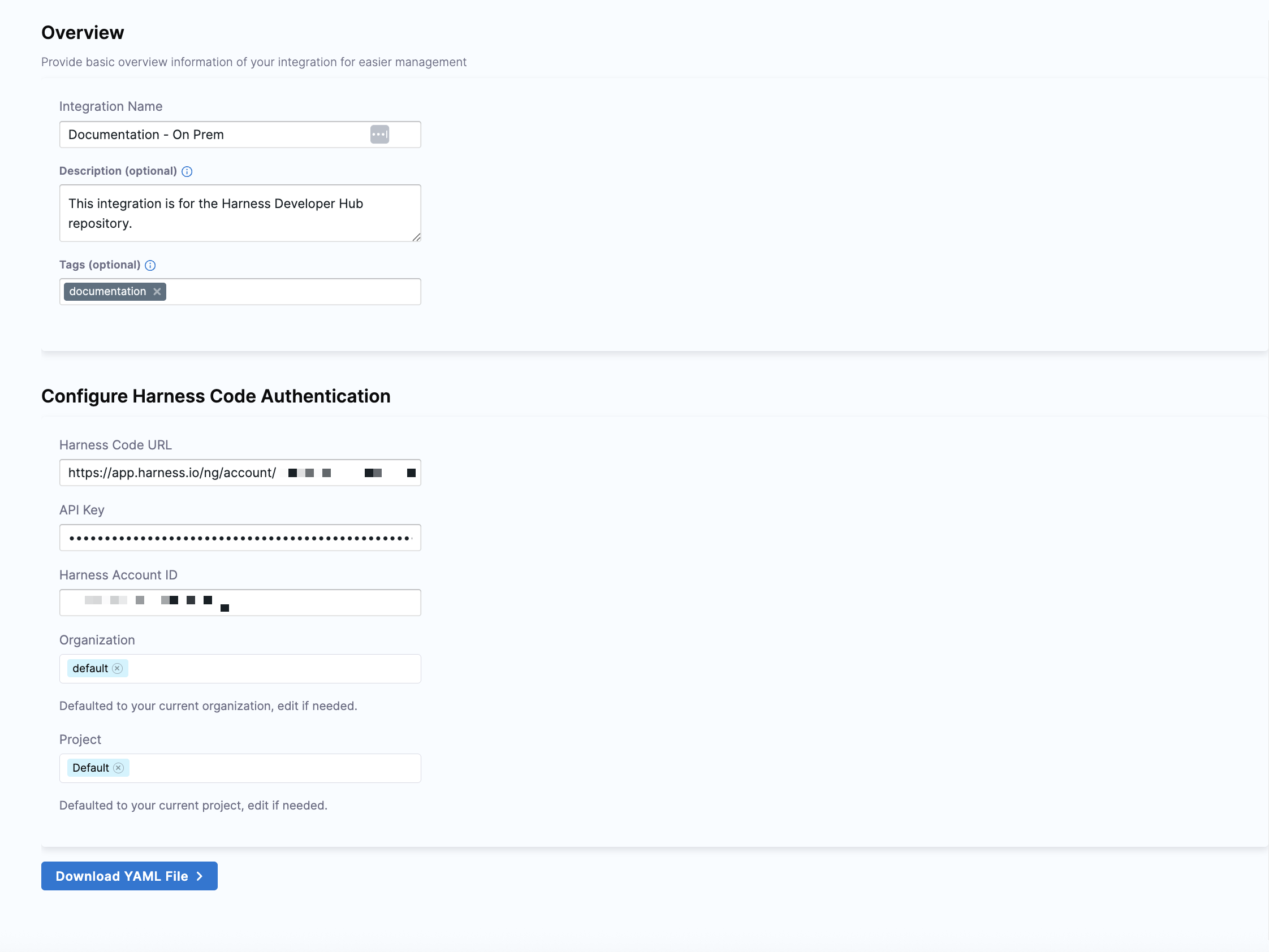
In the Overview section, enter a name for the integration. Optionally, include a description and add tags.
-
In the Configure Harness Code Authentication section, enter the following details:
- Your Harness Code URL
- Your Harness API key
- Your Harness Account ID (pre-defined by default)
-
The organization and project fields default to your current organization and project, which you can customize.
-
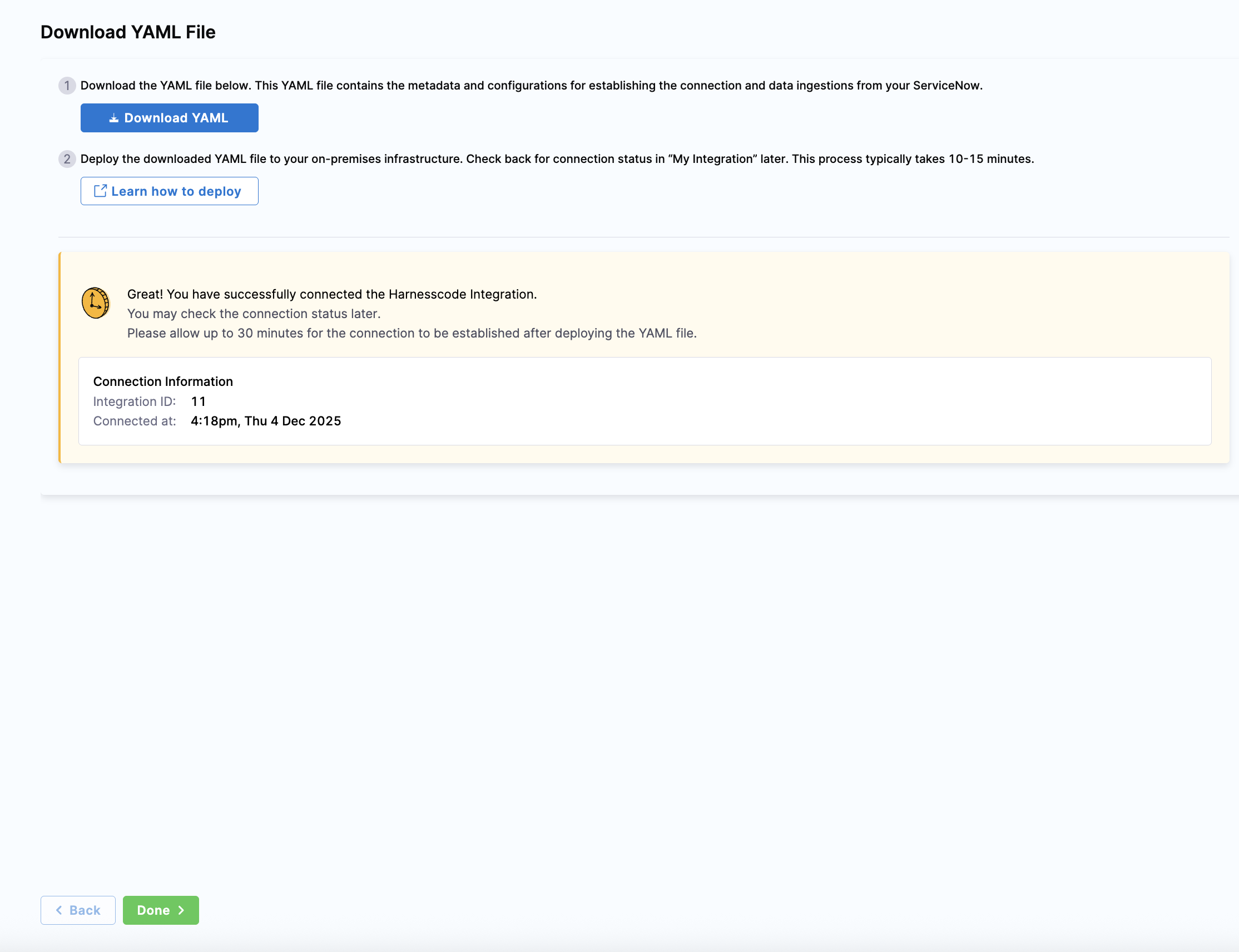
Click Download YAML File to establish the connection and data ingestion for the Harness Ingestion Satellite. If a YAML file hasn't been downloaded already, click Download YAML.
-
Deploy this YAML file in your on-premises infrastructure. For more information, see Run the Satellite Container.
-
Click Done to complete your integration setup.