> For the complete documentation index, see [llms.txt](https://developer.harness.io/llms.txt). Markdown versions of documentation pages are available by appending `.md` to page URLs; this page is available as [Markdown](https://developer.harness.io/software-supply-chain-assurance/troubleshooting-and-resources/settings-1/default-settings.md).
# Default Settings
Manage SCS Settings
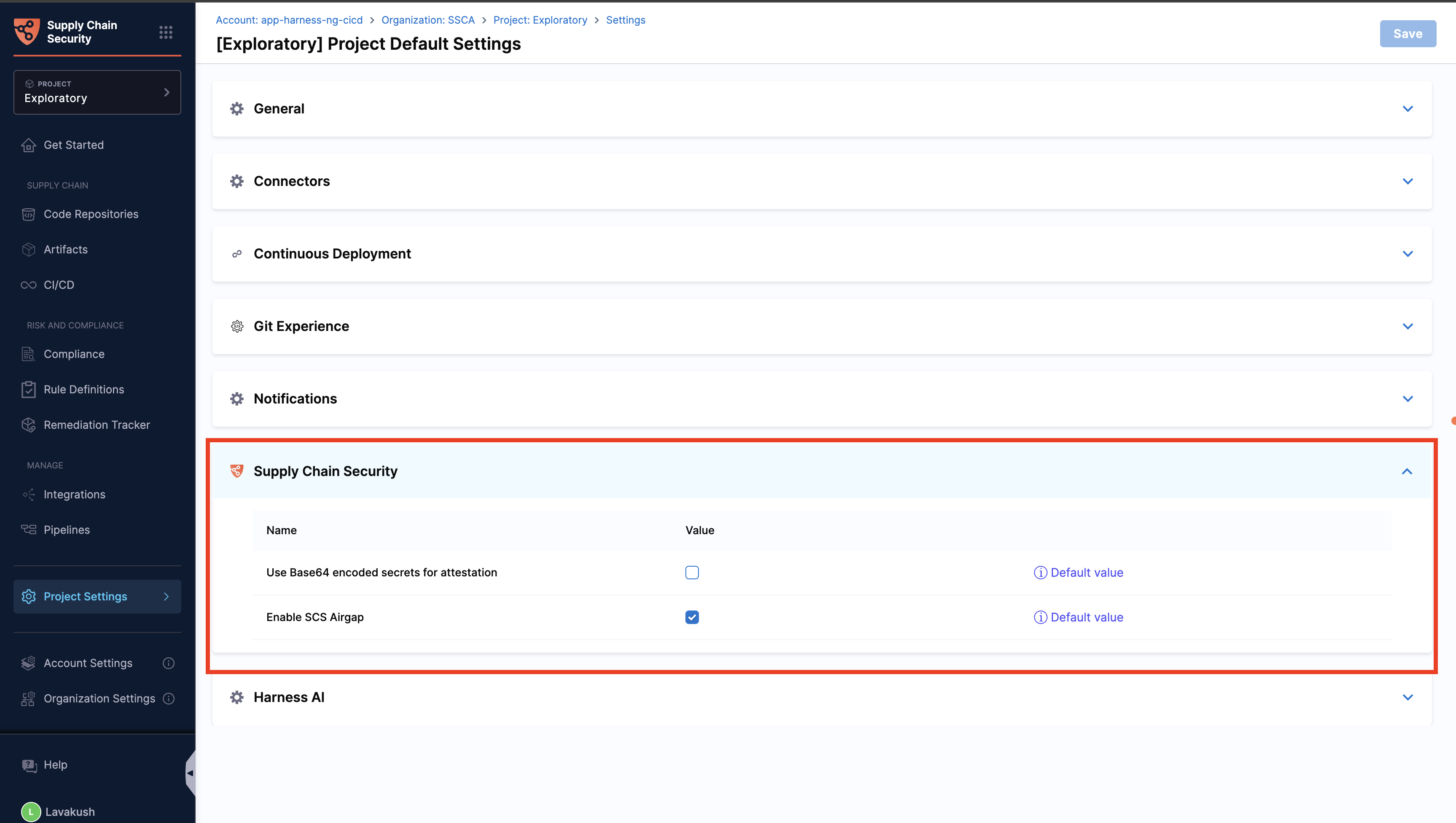
Default settings for Harness SCS can be configured at the account, organization, or project level. These settings ensure consistent behavior across all SCS steps and pipelines without requiring repetitive configuration.
#### Use Base64 encoded secrets for attestation:
When enabled, all secrets fetched from external secret managers such as Vault must be provided in Base64 format. This ensures consistent handling and compatibility across different environments.
#### Enable SCS airgap:
When enabled, Airgap mode allows Harness SCS to operate in closed or offline networks, ensuring that all SCS steps use local resources and internal registries instead of public endpoints.
Click to view full size image
{% hint style="info" %}
The default settings for SCS can be viewed only in the SCS module.
{% endhint %}
### Next steps
* [Manage SCS access control with RBAC](/software-supply-chain-assurance/troubleshooting-and-resources/settings-1/rbac.md): Configure roles and permissions for SCS resources.
* [Configure image tags for SCS plugins](/software-supply-chain-assurance/troubleshooting-and-resources/settings-1/configure-image-tags-for-scs-plugins.md): Pin plugin image versions for your pipelines.
{% @harness-feedback/feedback %}